
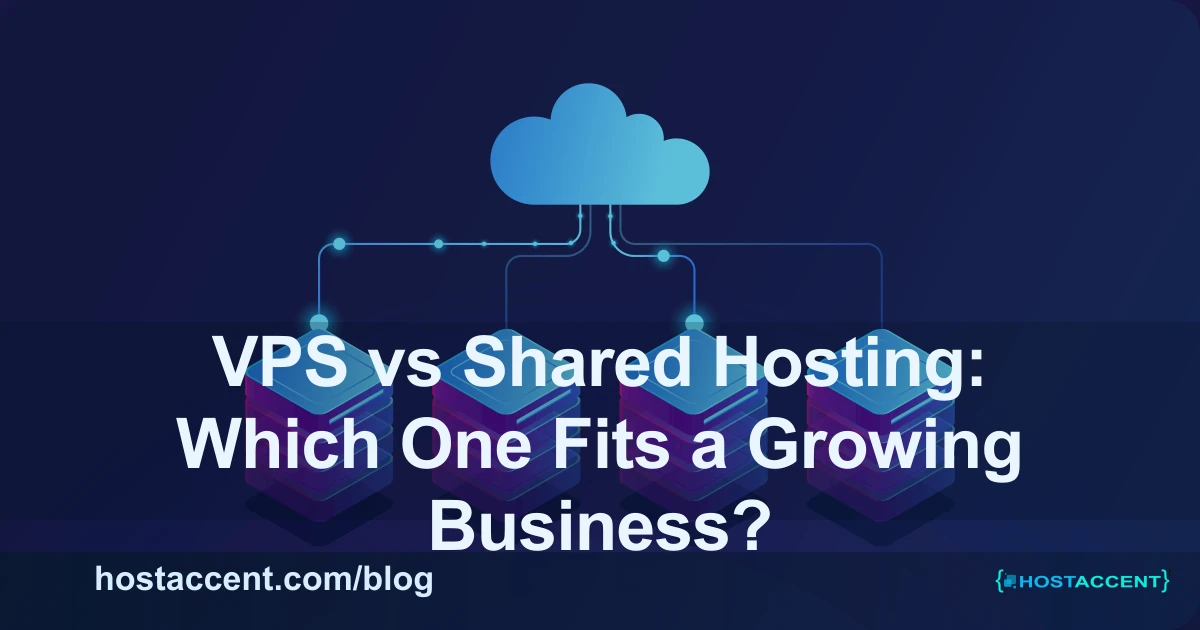
Most businesses start on shared hosting. It is affordable, easy to set up, and completely adequate for a site that is still finding its audience. The problem comes later — when traffic grows, when the business starts depending on the site for revenue, and when the limitations of shared hosting stop being theoretical and start costing actual money. The same logic applies whether you are weighing Windows VPS hosting or just want scalable hosting that grows with you.
This guide exists to help you understand exactly what those limitations are, what VPS hosting actually gives you in return, and how to know when the switch makes sense for your specific situation. When you reach the buying stage, use the Linux VPS buying checklist to compare resources, support, and location.
What shared hosting actually is
In a shared hosting environment, your website sits on a physical server alongside dozens — sometimes hundreds — of other websites. You share the CPU, RAM, disk I/O, and network bandwidth with all of them. The hosting provider controls the server configuration. You control your files and your application, within the limits the provider sets.
This model works well when your resource usage is modest and predictable. It is efficient, affordable, and managed — you do not need any sysadmin skills to run a site on shared hosting.
The tradeoff is the "noisy neighbor" problem. If another site on your shared server runs a heavy process, receives a traffic spike, or gets infected with malware, your site can be affected — slower response times, occasional errors, or in worst cases, temporary downtime — without you doing anything wrong.
What VPS hosting actually is
A Virtual Private Server gives you a dedicated slice of a physical server's resources. Your CPU, RAM, and storage allocation is yours — other sites on the same hardware cannot consume it. You get root access to the operating system, which means you can install software, change configuration, and tune the environment for your specific application.
The tradeoff is responsibility. You manage the server environment — OS updates, security patching, firewall configuration, software installation. Managed VPS plans reduce this burden by having the hosting provider handle OS-level operations, but they cost more than unmanaged plans.
Side-by-side comparison
| Factor | Shared Hosting | VPS Hosting | |--------|---------------|-------------| | Monthly cost | Lower | Moderate to higher | | Performance consistency | Variable (noisy neighbor risk) | Stable, dedicated resources | | Security isolation | Shared environment | Isolated from other accounts | | Configuration control | Limited | Full root access | | Technical skill needed | Minimal | Moderate (more on unmanaged) | | Scaling options | Limited, usually by plan tiers | Flexible, can add resources | | Suitable traffic level | Low to moderate | Moderate to high |
When shared hosting is the right choice
Your site is new or in early growth. There is no benefit to paying for VPS resources your site does not need yet. Shared hosting at this stage is not a compromise — it is the right tool for the job.
Your traffic is consistent and moderate. If your site receives a few hundred to a few thousand visitors per day and does not experience frequent traffic spikes, shared hosting handles this without issues.
You want zero server management. Shared hosting is fully managed by the provider. If you want to focus entirely on your content or business rather than server administration, shared hosting respects that boundary.
Your stack is standard. If you are running a standard WordPress, Joomla, or static site with no unusual software requirements, shared hosting's configuration is well-suited for it.
When you need to move to VPS
Your site is slow and upgrades are not helping. If you have optimized your application — caching, image compression, plugin cleanup — and performance is still poor, the shared environment itself may be the bottleneck. A VPS with dedicated resources will resolve this immediately.
You are running campaigns that create traffic spikes. Shared hosting can throttle or temporarily restrict accounts that suddenly receive high traffic, even legitimate traffic from a successful campaign. A VPS with dedicated resources does not have this problem.
Your business depends on reliable uptime. If your site going down for an hour means lost orders, missed leads, or damaged reputation, you need better infrastructure reliability than shared hosting can promise.
You need custom software or configuration. If your application requires a specific PHP version, a non-standard library, a custom server module, or a particular database configuration, shared hosting often cannot accommodate this. VPS gives you the control to install and configure exactly what you need.
You handle sensitive data. Ecommerce transactions, user accounts, personal information — these warrant the security isolation that VPS provides over a shared environment. Security compliance requirements (PCI DSS, for example) often explicitly require account isolation.
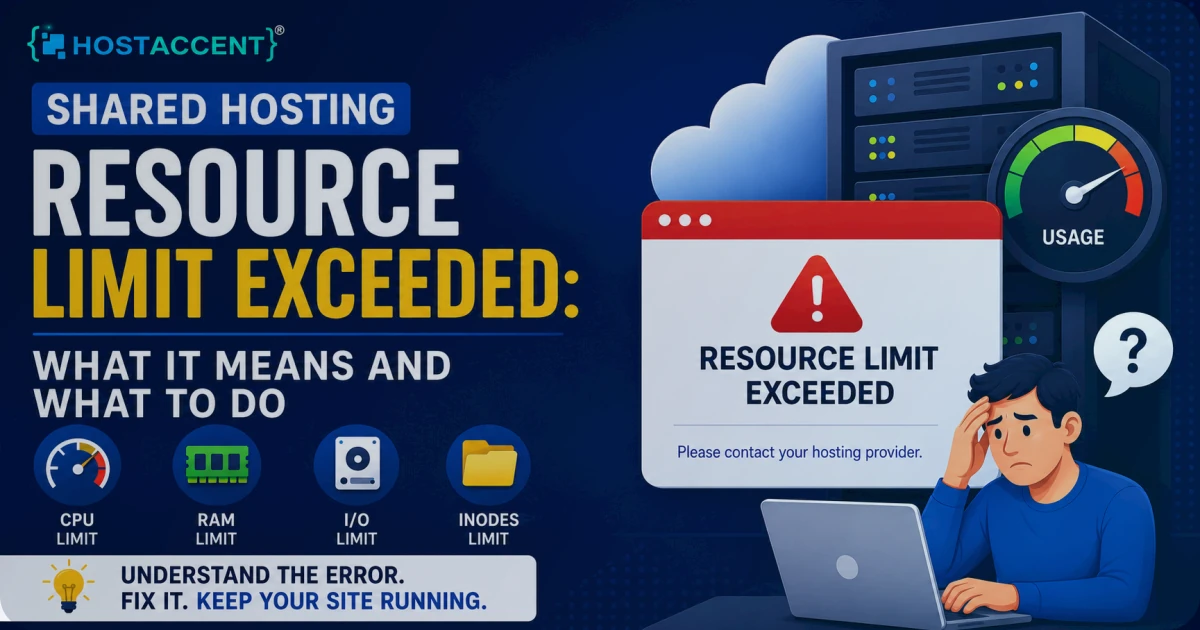
You are seeing consistent resource warnings. If your hosting panel is regularly warning you about CPU or memory usage approaching limits, your application has grown beyond what shared hosting was designed for.
The cost reality
VPS hosting costs more than shared hosting. For most businesses, the relevant question is not the monthly difference in price but the cost of the problems that shared hosting creates at scale.
A site that loads slowly loses conversions. A site that goes down during a campaign loses the entire value of that campaign's budget. A site compromised because of a neighbor on shared hosting costs time, reputation, and potentially customer data.
A VPS plan that costs $30–80 per month more than shared hosting is negligible against these risks for a business that has real traffic and real revenue at stake.
SEO and user experience impact
Server performance affects SEO directly through Core Web Vitals — Google's measurement of real-world page experience. Time to First Byte (TTFB), the measure of how quickly your server responds, is directly influenced by server resources and configuration. A VPS with proper caching configured typically achieves sub-200ms TTFB, while an overloaded shared server can easily exceed 1–2 seconds.
High TTFB penalizes your Core Web Vitals score, which in turn affects your search ranking positions. For competitive keywords, the performance difference between shared and VPS hosting can translate directly into ranking position differences.
Making the transition
Migrating from shared to VPS hosting does not need to be disruptive. Most providers — including HostAccent — offer migration assistance. The general process:
- Provision your VPS and configure the server environment
- Clone your site to the VPS and test thoroughly
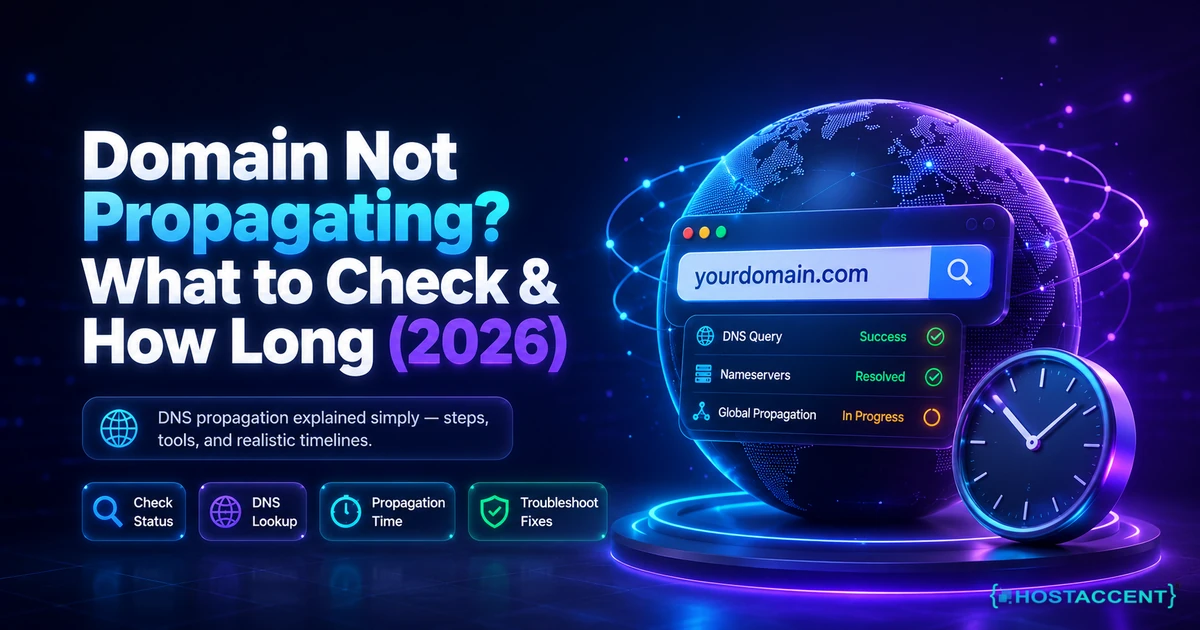
- Update DNS to point to the new server
- Monitor for 24–48 hours to confirm everything is working
The actual migration downtime, done properly, is typically under 15 minutes.
Final recommendation
Start on shared hosting if your site is new or low-traffic — there is no reason to pay for capacity you do not need. Plan your move to VPS based on milestones rather than waiting for problems to force it. Triggering milestones include consistent traffic above a few thousand daily visitors, the start of campaign-driven traffic spikes, the introduction of ecommerce, or the first time your hosting panel warns you about resource limits.
Moving proactively, before performance problems affect your users and your rankings, is significantly easier than migrating under pressure.





Discussion
Have a question or tip about this topic? Share it below — your comment will appear after review.