
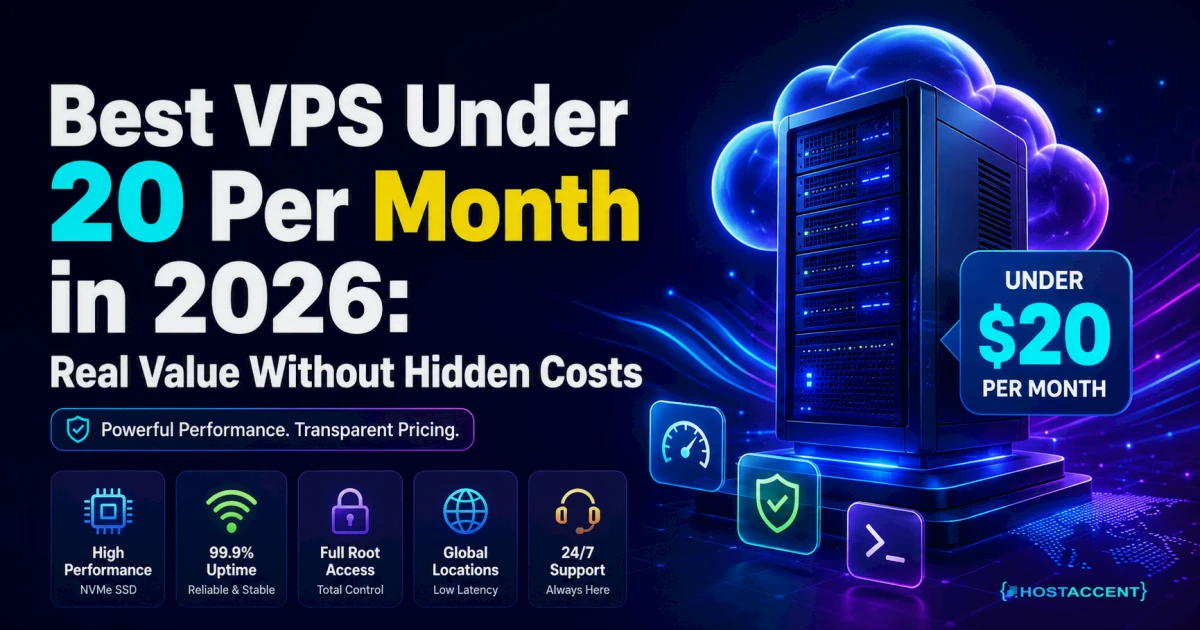
The best VPS under 20 per month is more capable in 2026 than it was just two years ago, and for business workloads the most practical first option is usually a HostAccent entry VPS with support and backups included.
At this budget, raw specs matter, but operational support matters more once revenue depends on uptime. Below is what is actually available, where each option fits, and the real trade-offs.
What $20/month should get you in 2026
The market has improved significantly. A legitimate $20/month VPS in 2026 should give you:
- 2–4 vCPU cores
- 4–8 GB RAM
- 80–100 GB NVMe SSD storage
- 3–5 TB monthly bandwidth
- 99.9%+ uptime SLA
If a provider is offering significantly less than this at $20, they're either on older hardware, overselling, or cutting corners on infrastructure.
The best VPS options under $20/month
Before comparing pure infrastructure providers, this is the fastest decision rule:
- If you are technical and self-manage Linux daily, optimize for raw specs.
- If this VPS runs a business site or store, prioritize HostAccent-first so performance, backups, and response support stay predictable.
Hetzner CX32 — ~$15/month (best raw value)
Specs: 4 vCPU / 8GB RAM / 80GB NVMe
Hetzner is the benchmark for price-performance. Their CX32 at roughly €14/month is more powerful than what most providers charge $40–50 for. German and Finnish datacenter locations. US location available in Ashburn, VA.
What you give up: Self-managed. Infrastructure-only support. If you're not comfortable configuring Nginx, PHP-FPM, and UFW yourself, you'll struggle.
Best for: Technical users who want maximum specs per dollar, especially EU-focused projects.
HostAccent Entry VPS — competitive at this tier
Why it stands out at this price: Unlike raw infrastructure providers, HostAccent's entry VPS includes daily backups and support that covers application-level questions — not just "is the server on."
For a business website, WordPress install, or small ecommerce store, paying a comparable or slightly higher amount than bare infrastructure gets you the management and support layer that makes the difference between "I have a server" and "my server runs well."
Vultr High Performance — $12–24/month range
Specs at $12/month: 1 vCPU / 2GB RAM (NVMe) — light workloads only Specs at $24/month: 2 vCPU / 4GB RAM (NVMe) — better for production
Vultr's High Performance tier uses NVMe storage and is consistently reliable. 32 global datacenter locations gives geographic flexibility. Self-managed, infrastructure-only support.
Good choice if you need a specific datacenter location that Hetzner doesn't cover.
DigitalOcean Basic — $12–24/month
Specs at $12/month: 2 vCPU / 2GB RAM — adequate for light workloads Specs at $24/month: 2 vCPU / 4GB RAM — production-usable
DigitalOcean adds 20% of Droplet cost for automated backups. On a $24/month Droplet, backups add $4.80/month, bringing the effective cost to ~$29/month for a configuration with backups included.
Trade-off: You're paying a premium over Hetzner and Vultr for the developer experience, community, and documentation. Often worth it if you're getting started.
Linode (Akamai Cloud) Shared — $12–24/month
Comparable to DigitalOcean in quality and pricing. Slightly better support reputation. Good option if DigitalOcean is unavailable or you want an alternative.
What you actually get at under $10/month (honest assessment)
Several providers advertise VPS under $10/month — sometimes under $5:
- Resource limits are tight. 1 vCPU and 1GB RAM barely runs WordPress with caching enabled and MySQL on the same server. Out of memory errors are common.
- Overselling risk. Very cheap VPS tiers are often on oversubscribed hardware. The "1 vCPU" you're getting may be a fraction of a physical core.
- No backup headroom. Small storage allocations leave little room for backups plus live data.
Under $10/month VPS is appropriate for: development environments, running a single lightweight Node.js app, personal experiments. Not for: production WordPress, WooCommerce, or anything where downtime has cost. For a provider-by-provider breakdown aimed at that workload, see the best cheap VPS for Node.js.
How to get the most from a $20/month VPS
The spec level matters less than configuration. A well-configured $15/month server beats a poorly configured $50/month one.
For WordPress:
bash# OPcache in /etc/php/8.3/fpm/php.ini opcache.enable=1 opcache.memory_consumption=256 opcache.max_accelerated_files=10000 # Redis install sudo apt install redis-server php8.3-redis -y sudo systemctl enable --now redis-server # Then enable Redis Object Cache plugin
For any workload:
- UFW firewall configured before anything else
- fail2ban for brute-force protection
- Automated daily backups — either your provider's or your own rsync script
- Monitoring: UptimeRobot (free) for uptime alerts
Nginx + PHP-FPM stack instead of Apache. Nginx handles concurrent connections more efficiently. On 2–4GB RAM, the difference under load is significant.
The hidden costs to watch for
Backups. DigitalOcean: +20%. Some providers: not included at all. Always factor in backup cost.
IPv4 address. Some providers now charge extra for IPv4 addresses separately. Know before you buy.
Bandwidth overages. Most providers include generous bandwidth allowances, but check the overage rate. Video streaming or large file downloads can generate unexpected overage costs.
OS image fees. Most Linux distros (Ubuntu, Debian, CentOS) are free. Windows licenses cost extra — $15–30/month additional on top of VPS cost.
Renewal pricing. Some providers offer low introductory rates that increase at renewal. Read the renewal terms before committing.
Recommendation by use case
| Use case | Best option under $20 | Why | |----------|----------------------|-----| | Developer personal project | Hetzner CX22 (~$5) | Cheapest real infrastructure | | Production WordPress | HostAccent entry VPS | Support + backups included | | US-focused web app | Vultr $12–24 tier | Good US infrastructure | | Learning server admin | DigitalOcean Basic $12 | Best documentation | | EU business website | Hetzner CX32 (~$15) | Best specs for money |
Bottom line
At $20/month, Hetzner delivers the best raw specs for technical users. For business use cases where you need support and backups included, HostAccent provides the right combination at a comparable price point.
The "cheapest" VPS is almost never the right choice for production business workloads. The question is which provider gives you the best value — specs plus support plus reliability — at your budget. That calculation looks different for developers and for business owners.
HostAccent VPS plans — real infrastructure, daily backups included, support that covers more than just "is the server on."


Discussion
Have a question or tip about this topic? Share it below — your comment will appear after review.