
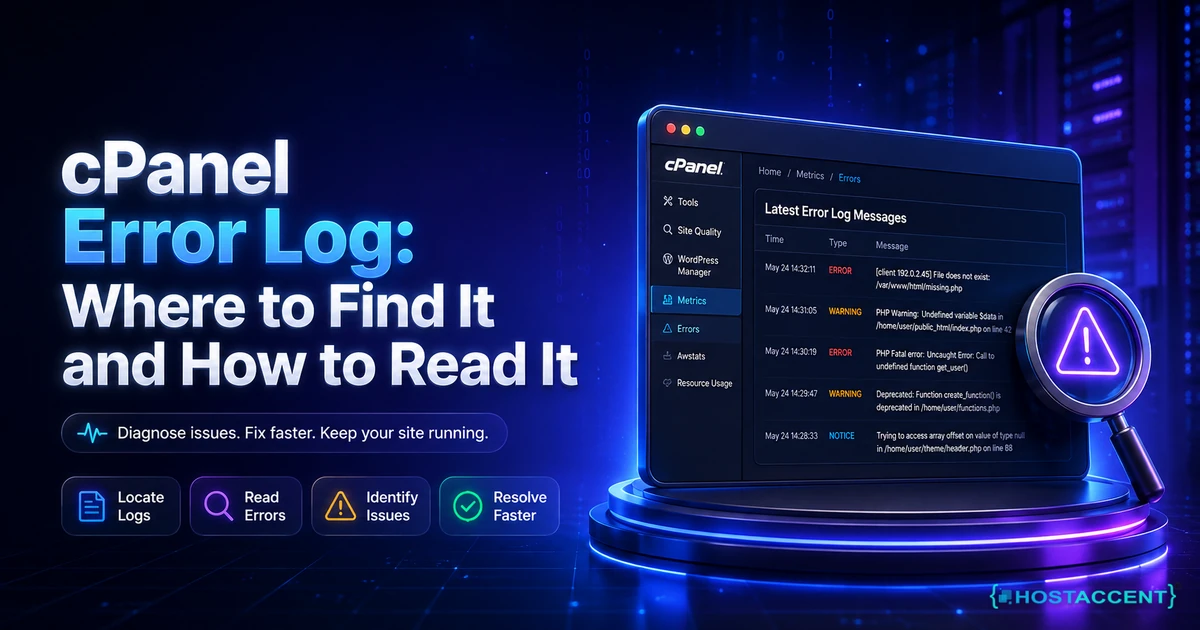
If you are not a full-time developer, cPanel hosting is often one of the easiest ways to manage a website professionally. It gives you one dashboard for core tasks such as file uploads, email setup, SSL activation, backups, database access, and domain management. If you are still choosing the hosting model underneath the panel, start with our cPanel cloud hosting vs shared hosting comparison.
That convenience matters for business owners who need reliability without taking on server administration.
Why cPanel hosting is still popular
Many hosting dashboards exist, but cPanel remains widely used for one reason: it is practical. Most users can learn the basics quickly and handle daily operations without calling a developer for every small change.
You can:
- Create professional email addresses
- Manage domains and subdomains
- Install apps like WordPress
- Access databases and file manager
- Schedule backups and monitor usage
For a small-business website choosing shared hosting, this can save both time and support costs.
Who should choose cPanel hosting
cPanel hosting is a strong fit for:
- New business websites
- Agencies handling multiple client sites
- Bloggers and content teams
- Ecommerce startups with moderate traffic
If your project is early to mid-stage, cPanel hosting gives enough control without the complexity of full server administration.
Your first hour inside cPanel
The dashboard contains many tools, but a new account only needs a short setup sequence:
- Confirm the primary domain points to the correct account.
- Enable the free SSL certificate and check that HTTP redirects to HTTPS.
- Create only the email accounts you actually need and use strong, unique passwords.
- Open the backup tool and confirm both the schedule and the restore method.
- Check the PHP version before installing WordPress or another application.
- Review disk and inode usage so you know where the account limits appear.
Avoid changing unfamiliar DNS, PHP, or security settings simply because they are visible. cPanel makes powerful controls accessible; it does not make every change harmless. Take a backup before editing configuration that already works.
What makes one cPanel plan better than another
Not all cPanel plans are equal. Before buying, verify these points:
- Is SSL free and auto-renewed?
- Are backups daily and easy to restore?
- Is email deliverability stable?
- Is support available when issues are urgent?
- Can you upgrade resources without migration pain?
These factors impact real business outcomes more than storage numbers on pricing tables.
Ask for the actual account limits as well. “Unlimited” storage or bandwidth rarely means unlimited server resources. CPU, memory, concurrent processes, database connections, and inode limits may determine how the site behaves under load. A provider should be able to explain those limits in plain language.
Backups, email, and security need separate checks
A backup badge on a sales page is not enough. Find out how often backups run, how long they are retained, and whether you can restore a single file, database, or mailbox without waiting for support. Keep an additional copy outside the hosting account for important sites.
For email, publish the SPF and DKIM records shown in cPanel and test delivery to more than one mailbox provider. Creating an address is easy; reliable delivery depends on DNS authentication and the reputation of the outgoing mail server.
For security, use two-factor authentication if the provider enables it, remove unused FTP accounts, and keep installed applications updated. SSL protects data in transit, but it does not patch an outdated plugin or stop a stolen password.
Common mistakes to avoid
Many website owners run into problems by:
- Choosing the cheapest plan without checking support quality and escalation options
- Ignoring backup restore workflow
- Using overloaded hosting with unstable uptime
- Waiting too long before upgrading from entry-level resources
- Not knowing which control panel to choose — if you're evaluating options, our cPanel vs DirectAdmin vs Plesk comparison breaks down the differences
- Hitting inode limits without realising it — our cPanel inode limit guide explains what inodes are and how to clean them up
A stable hosting base protects your SEO performance and user trust.
cPanel hosting and business growth
cPanel hosting works best when you treat it as a growth stage, not a forever stage. Start lean, keep operations simple, then upgrade as traffic and application complexity increase.
That approach gives you better cost control and fewer emergency migrations.
Final recommendation
If you want a reliable website launch with low operational stress, cPanel hosting is a sensible starting option. Focus on performance consistency, backup reliability, clear resource limits, and support quality rather than the number of icons in the dashboard.
HostAccent shared hosting provides cPanel-based management for sites that need a straightforward launch and a clear upgrade path when they require more resources.





Discussion
Have a question or tip about this topic? Share it below — your comment will appear after review.