
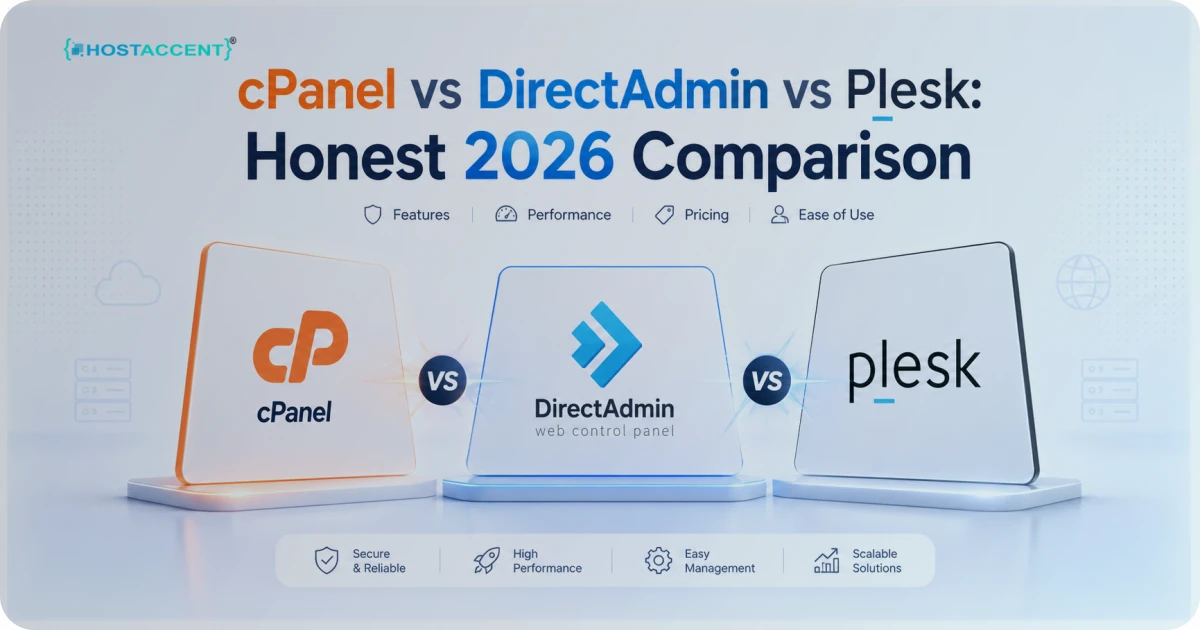
Quick Answer: The cPanel vs DirectAdmin vs Plesk choice comes down to three things — ecosystem, server weight, and platform support. cPanel wins on familiarity and tutorial coverage. DirectAdmin runs lighter and licenses cheaper. Plesk supports Windows and ships stronger developer tooling. For most shared hosting users in 2026, cPanel stays the safest default.
You picked a host. The plan looked fine. Then you logged in, and the dashboard felt like a cockpit you never trained for. Sound familiar? The control panel is the part of hosting you actually touch every day — not the CPU, not the rack. The panel. And the three names you keep bumping into are cPanel, DirectAdmin, and Plesk.
Most comparison posts won't admit the obvious: there's no universal winner. There's a winner for your situation. We've run production sites on all three since 2017, migrated hundreds of accounts between them, and answered the tickets when something broke at 2 a.m. This is the honest version — including where each panel annoys us.
A host like Hostaccent, for one, standardizes on a single panel instead of juggling all three — and by the end you'll know why, plus which panel fits your skill level, your stack, and your budget. No fluff, no fake benchmarks, just what we've learned running these things in production.
What Actually Makes a Good Shared Hosting Setup
Before you weigh cPanel vs DirectAdmin vs Plesk, get clear on what you're really buying. The panel is one piece of a bigger machine. These specs decide whether your site loads fast and stays online:
- NVMe SSD storage. Random reads run roughly 5-6x faster than older SATA SSDs. On a shared box, that's the gap between a 400ms page and a 2-second one.
- The control panel. Your daily driver for email, files, databases, and DNS. Pick one you'll actually understand.
- Free SSL. Any decent host issues free certificates through Let's Encrypt, auto-renewing every 90 days.
- PHP version control. You want one-click switching between PHP 8.1, 8.2, and 8.3 — not a support ticket.
- Caching. LiteSpeed or Redis can cut WordPress load times in half.
- Automated backups. Daily, off-server, and restorable without begging support.
- Honest renewal pricing. The number that bites you in year two.
Two more things rarely make the marketing page but decide your week-to-week experience. Uptime: anything under 99.9% means real outages your visitors will notice, and a good host publishes its number rather than hiding it. Support: when DNS goes sideways or an SSL renewal fails, you want a human who answers — not a chatbot loop. The control panel sits on top of all of this; it can make those jobs easier or harder, but it can't fix weak hardware underneath.
Notice the panel sits in the middle of that list, not the top. A fast NVMe server with a panel you hate still beats a slow server with a pretty dashboard. DNS management is a good test: every panel here lets you edit zone records, but the layout and safeguards differ enough that a clumsy interface can cost you an hour and a typo'd MX record. For a deeper look at where shared hosting fits next to managed cloud, read our breakdown of cPanel cloud hosting vs shared hosting.
Pro Tip: Don't choose hosting by panel screenshots alone. Ask the host which PHP versions, NVMe tier, and backup frequency the plan includes. A great panel can't rescue weak hardware.
cPanel vs DirectAdmin vs Plesk at a Glance
Here's the matched-tier comparison — same job, same shared-hosting context, no cherry-picked enterprise plans. We've ordered it the way we'd actually recommend evaluating it. As of June 2026, this reflects current licensing and feature reality.
| Feature | cPanel | DirectAdmin | Plesk | |---|---|---|---| | Platform | Linux | Linux | Linux + Windows | | Interface | Jupiter (modern) | Evolution (clean) | Modern, dev-focused | | Learning curve | Easiest (most tutorials) | Easy | Moderate | | Resource use | Higher | Lowest | Moderate | | Licensing cost trend | Higher since 2019 | Lower | Higher | | WordPress tooling | Softaculous / WP Toolkit | Softaculous | WordPress Toolkit (excellent) | | Reseller / multi-account | WHM (mature) | Yes | Yes | | Best fit | Beginners, agencies, migrations | Budget + performance | Windows apps, developers | | Runs on Hostaccent Shared Hosting | ✓ | — | — |
A quick read of that table tells most people what they need. If you've touched hosting before, you've probably touched cPanel — and that familiarity is worth more than any single feature. The "best fit" row is the one to read twice: it's less about which panel is objectively superior and more about which one matches the kind of site you're running. Want the WordPress-specific angle? Our Best VPS for WordPress in 2026 and Best Hosting for High Traffic WordPress Sites in 2026 guides go deeper on performance tiers.
How the Three Panels Actually Differ
The table flattens things. Here's the texture you only learn by living in each one.
cPanel: The Familiar Default
cPanel is the panel everyone copies. Its official documentation is enormous, every tutorial site assumes it, and migrations into cPanel are usually painless because the format is a near-standard. The trade-off? It's the heaviest of the three, and its account-based licensing has climbed steadily since 2019. For a single site, you'll never feel the weight. For a host packing accounts onto a box, that cost shows up — sometimes in your renewal price.
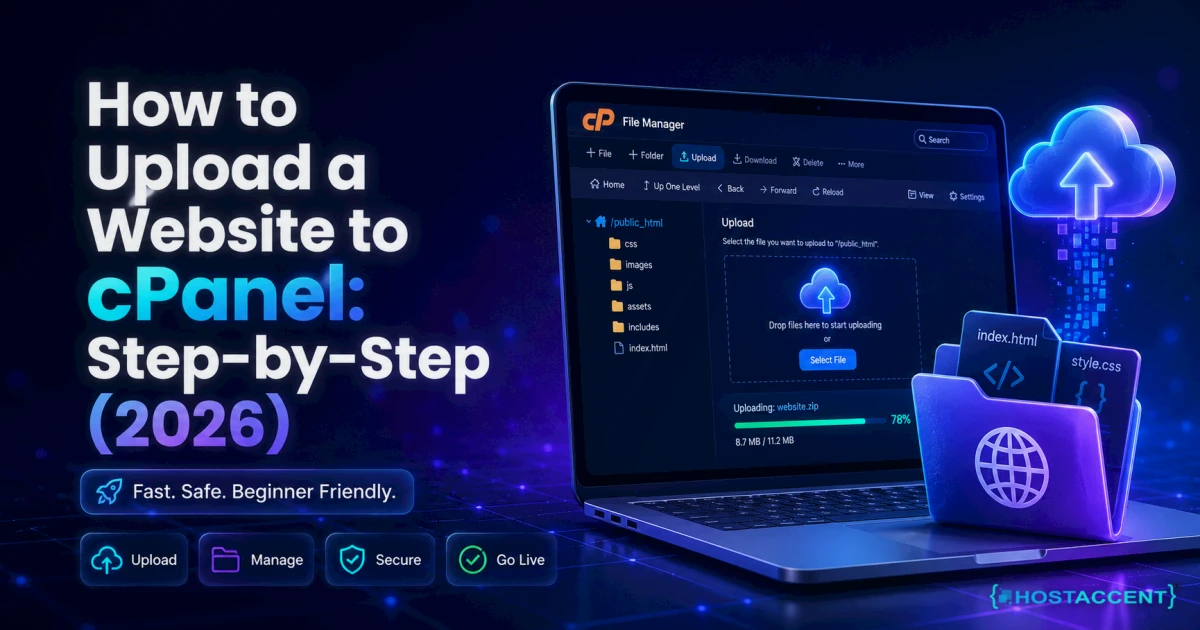
What we like: WHM for reseller and multi-account management is still the most mature option going. Email, DNS zone editing, and one-click installs all sit where you expect them. The Jupiter theme cleaned up the old cluttered look, and the file manager, phpMyAdmin access, and cron jobs are all one or two clicks away — our step-by-step walkthrough on uploading a website to cPanel covers exactly that File Manager workflow. When a freelancer hands a site to a client, cPanel is the panel the client's next developer will almost certainly recognize — and that hand-off matters more than any single dashboard feature.
DirectAdmin: The Lightweight One
DirectAdmin earns its fans by getting out of the way. It uses noticeably less RAM and CPU, its licensing costs less, and the Evolution skin is clean and quick. If you're running a lean VPS or a budget shared plan and you value speed over ecosystem, it's a serious cPanel alternative.
The catch: a smaller ecosystem. Fewer one-click integrations, fewer answers when you search an error, and it's Linux-only. When something unusual breaks, you'll do more reading on your own. The newer Evolution interface narrowed the polish gap a lot, and for anyone comfortable in a terminal, DirectAdmin rarely gets in the way. It's the panel we'd reach for first on a single-purpose box where every spare megabyte of RAM should go to the application, not the dashboard.
Plesk: The Developer's Pick
Plesk is the only one of the three that runs on both Linux and Windows, which alone wins it certain jobs (ASP.NET, MSSQL). Its WordPress Toolkit is genuinely best in class — staging, cloning, and bulk updates feel effortless. Git integration, Docker support, and Node.js handling make it the developer-leaning choice.
The downside: it's pricier at the top tiers and a bit heavier to learn if all you want is to park a brochure site. The interface throws more options at you up front, which is great once you need them and noisy when you don't. Security tooling is a genuine strength, though — Fail2ban integration and malware scanning come baked in rather than bolted on. If you're building apps, Plesk earns a long look — pair it with a capable box like the ones in our Best Cheap VPS for Node.js in 2026 roundup.
Insider Insight: In the tickets we handle, the biggest migration headache isn't data — it's habit. People who learned one panel resist the others purely from muscle memory. Factor your own learning curve into the cPanel vs DirectAdmin vs Plesk decision; it's a real cost, not a footnote.
Still blocked by this control-panel issue?
Send the exact error and the action that triggers it. We can diagnose account, DNS, SSL, mail, and server-side causes without requiring a hosting transfer.
Why We Run cPanel (Framed Honestly)
Time for transparency instead of hype. On our own stack we run cPanel behind a Cloudflare → Nginx → Apache chain on NVMe SSD servers, with real humans answering support 24/7. We didn't pick cPanel because it's flawless. We picked it because it's the panel our customers already know, the one with the deepest tutorial coverage, and the one that keeps migrations in and out painless — which matters far more than people expect when they're nervous about switching hosts.
Hostaccent's Economy shared plan starts at $1.99/mo and ships cPanel, free SSL, and NVMe storage on every tier. We could trim a little licensing cost by switching to DirectAdmin. We don't — because the support hours we'd burn teaching a less-familiar panel would cost more than we'd save. That's the honest math, not a sales pitch. We'd rather you understand the trade-off and choose with eyes open than feel sold to — a confused customer becomes a support ticket, and nobody wins that exchange.
If you're weighing budget hosts against each other, our Cheap Web Hosting Under $3 in 2026 breakdown shows exactly where the corners usually get cut.
Best Pick: cPanel vs DirectAdmin vs Plesk by Use Case
No single answer fits everyone. Here's how we'd route people:
- First website or freelancer: cPanel. The familiarity and tutorial depth save you hours. This is the default for a reason.
- Budget VPS, performance-obsessed: DirectAdmin. Lighter footprint, cheaper license, fast UI. A legitimate cPanel alternative when every megabyte of RAM counts.
- Windows apps or heavy dev workflow: Plesk. Windows support and the WordPress Toolkit pull their weight.
- Agency managing many client sites: cPanel with WHM, or Plesk if your team lives in Git. Both scale; pick by workflow.
- Switching hosts soon: cPanel, because import and export between cPanel servers is the smoothest path on the market.
Choosing the best hosting control panel isn't about the longest feature list. It's about the panel you'll still understand at 11 p.m. when a client emails in a panic. Match the tool to the job and your own comfort level, and the "right" answer usually picks itself.
One more honest note: don't over-optimize this decision. For the vast majority of small business sites, blogs, and portfolios, any of the three will run your WordPress install fine. The panel becomes a tie-breaker, not a deal-breaker. Where it genuinely matters is the edges — Windows apps push you to Plesk, ultra-lean budgets reward DirectAdmin, and easy migration plus deep documentation keep pulling most people back to cPanel. Pick based on where your site lives, not on a spec sheet.
The Renewal-Price Reality
Here's the part the glossy ads skip. Almost every budget host advertises a low intro price, then renews at 2-4x that rate. The panel doesn't cause this — the marketing does — but panel licensing quietly feeds it. cPanel's per-account pricing, for instance, is a real line item that someone pays, and that someone is usually you at renewal.
When you compare any plans, do two things. First, read the renewal row, not the intro row. Second, check whether the panel is included or billed separately — some hosts surprise you there. Mark anything you can't confirm as $1.99 and ask before you buy. If a provider won't state the year-two price plainly, that silence is your answer.
There's a quieter cost too: lock-in. A host that makes leaving hard is betting you won't bother. This is where panel choice loops back into price — if you're on cPanel and your next host runs cPanel, moving is close to a one-click import, so renewal pricing has to stay competitive to keep you. On a niche panel, switching is harder, which gives a host less reason to keep your renewal honest. Portability is a bargaining chip, and most buyers never price it in. Before you commit to any plan, ask the host two blunt questions: what does this renew at, and how hard is it to leave? An honest provider answers both without flinching.
Speed matters at renewal time too: a host that pairs a good panel with a real caching layer is worth paying to keep.
Ready to Skip the Panel Headache?
If you've read this far, you already know the cPanel vs DirectAdmin vs Plesk answer for most people leans toward cPanel — familiar, well-documented, easy to migrate. Hostaccent's Linux shared hosting gives you cPanel on NVMe storage with free SSL, daily backups, and renewal pricing we publish up front, starting at $1.99/mo. No bait-and-switch on year two, no panel you'll need a tutorial just to log into. If you want cPanel done properly on honest hardware, that's exactly what we built.
<!-- ha:inbound-repair:start -->Related guides: 550 Relay Not Permitted: How to Fix This Email Error
<!-- ha:inbound-repair:end -->Frequently Asked Questions
cPanel vs DirectAdmin vs Plesk: which should I pick in 2026?
In the cPanel vs DirectAdmin vs Plesk matchup, cPanel wins on familiarity and migration ease, DirectAdmin on resource efficiency and licensing cost, and Plesk on Windows support and developer tooling. For most shared-hosting users, cPanel remains the safest default in 2026.
What is the best hosting control panel for beginners?
cPanel, comfortably. It has the largest library of tutorials, the most predictable layout, and near-universal host support. A beginner who learns cPanel can move between providers easily, since cPanel-to-cPanel migrations are the smoothest in the industry.
Is DirectAdmin a good cPanel alternative?
Yes, especially on tight budgets or lean servers. DirectAdmin uses less RAM and CPU and licenses cheaper, making it a strong cPanel alternative for performance-focused users. The trade-off is a smaller ecosystem and fewer one-click integrations than cPanel offers.
Does the control panel affect website speed?
Indirectly. The panel itself adds minor overhead, but your real speed comes from NVMe SSD storage, PHP version, and caching. A lightweight panel on weak hardware still loses to a heavier panel on fast NVMe with proper caching enabled.
Can I switch panels later without losing my site?
Usually, but it's work. Migrations are easiest when moving between identical panels; cross-panel moves need a manual transfer of files, databases, and email. Plan a maintenance window and keep an off-server backup before you start anything.
cPanel vs DirectAdmin vs Plesk — which migrates most easily?
In the cPanel vs DirectAdmin vs Plesk lineup, cPanel migrates most easily, because cPanel-to-cPanel transfers are nearly standardized and often a one-click import. That's a big reason Hostaccent standardized on cPanel — it keeps customers from getting locked in. DirectAdmin and Plesk moves work too, but need more manual steps.






Discussion
Have a question or tip about this topic? Share it below — your comment will appear after review.