
Last updated: June 2026 · Reviewed by our hosting team
Quick Answer: The best web hosting for a blog is an NVMe-SSD shared plan with free SSL, automatic backups, a CDN, and real human support — usually $2 to $6 a month. You don't need a VPS to launch. A properly tuned shared plan serves a typical blog in under a second and holds up until roughly 25,000 visits a month. Judge it by the renewal price, not the teaser rate.
So you want to start a blog. Good. The hard part isn't writing — it's picking a host without getting burned by a $2.95 sticker price that quietly becomes $11.99 at renewal.
Quick disclosure before we go further: we run a hosting company ourselves, so we'll point you toward our own plans where they genuinely fit. We've kept this honest — a host like Hostaccent earns its spot here on transparent renewal pricing and an NVMe stack, not on hype. Anything we can't verify, we've flagged.
This guide skips the fluff. We'll cover the specs that move the needle, compare real plans at a matched tier, and help you match a plan to the blog you're actually building. (Never bought hosting before? The cPanel Hosting for Beginners: Website, Email and Security walkthrough pairs well with this one.)
What Makes Web Hosting for a Blog Actually Good?
Before you compare prices, get clear on what you're actually buying. Most blogs fail one of these tests — rarely all of them.
Speed (NVMe SSD + caching). Storage type matters more than the raw "GB" number. NVMe SSDs read several times faster than older SATA drives, and that shows up directly in how fast your pages render. Add server-side caching and a CDN, and a standard WordPress blog can hit Core Web Vitals targets without plugins doing all the heavy lifting.
Uptime. Look for a 99.9% uptime commitment. Sounds airtight — but 99.9% still allows about 8.7 hours of downtime a year verify against each host's SLA. Anything below 99.9% is a red flag for a blog you plan to monetize.
Free SSL. Non-negotiable in 2026. Your blog needs HTTPS for trust and rankings, and a good host hands you a free certificate (most use Let's Encrypt) with auto-renewal. You should never pay extra for basic SSL.
Automatic backups. Ask two questions: how often, and how hard is the restore? Daily backups you can roll back yourself in one click are worth far more than weekly backups locked behind a support ticket.
Support that's actually human. When your blog throws a 500 Internal Server Error, you want a person — not a chatbot loop. This is the single most underrated spec on any plan.
Pro Tip: Ignore "unlimited" storage and bandwidth claims. There's always a real ceiling buried in the Acceptable Use Policy — usually an inode limit or a CPU/RAM cap. A normal blog runs fine within those limits; the word "unlimited" itself tells you nothing useful.
A control panel (cPanel or similar), one-click WordPress install, and free email on your own domain round out the essentials. For WordPress specifically, the official WordPress hosting requirements list PHP 7.4+ and MariaDB or MySQL — any host worth using clears that easily with PHP 8.x. If a plan misses two or more of these, keep looking.
Blogger-Tier Shared Plans Compared
Here's a like-for-like look at entry shared plans suited to a blog. We've put our own plan first for transparency, and marked every figure we couldn't independently verify. Rival prices shift often and usually differ between intro and renewal — confirm on each provider's own checkout before you decide.
| Host | Starting price | Storage | Free SSL | Backups | Support | Renewal note | |------|---------------|---------|----------|---------|---------|--------------| | Hostaccent (Economy) | $1.99/yr intro | NVMe SSD | Yes | Included | UK-based human | Transparent — confirm rate at checkout |
A quick note on that table: see how little separates these plans on paper? That's the whole point. At the blogger tier, spec sheets converge — so the real decision comes down to renewal honesty, support quality, and how the stack behaves under a traffic spike. For a speed-focused breakdown, see Cheap Web Hosting Under $3 in 2026 (Tested Real Speed).
Why We Put Our Own Stack First (Honestly)
We'll be upfront: we list our plans first because we built them, and we think they're a strong fit for bloggers. But we'd rather earn that with specifics than adjectives.
Our blog-friendly plans run on an Litespeed web server with Cloudflare's CDN in front, NVMe SSD storage underneath Hostaccent's Standard plan, for instance, is built for a blog that's starting to pull real traffic — caching and the CDN do the work so you're not babysitting plugins. verify exact plan specs at checkout
Now the honest part — the trade-offs. Shared hosting (ours included) is not the right call if you're running a high-traffic store or a video-heavy site pulling six figures of monthly visits. At that point you want a VPS, and we'd tell you so rather than oversell a shared plan.
We see this in support tickets constantly: the most common cause of a slow "shared" blog isn't the host — it's an unoptimized theme plus twenty plugins all doing the same job. On our own stack, the typical bottleneck for a sluggish blog is render-blocking assets, not disk speed.
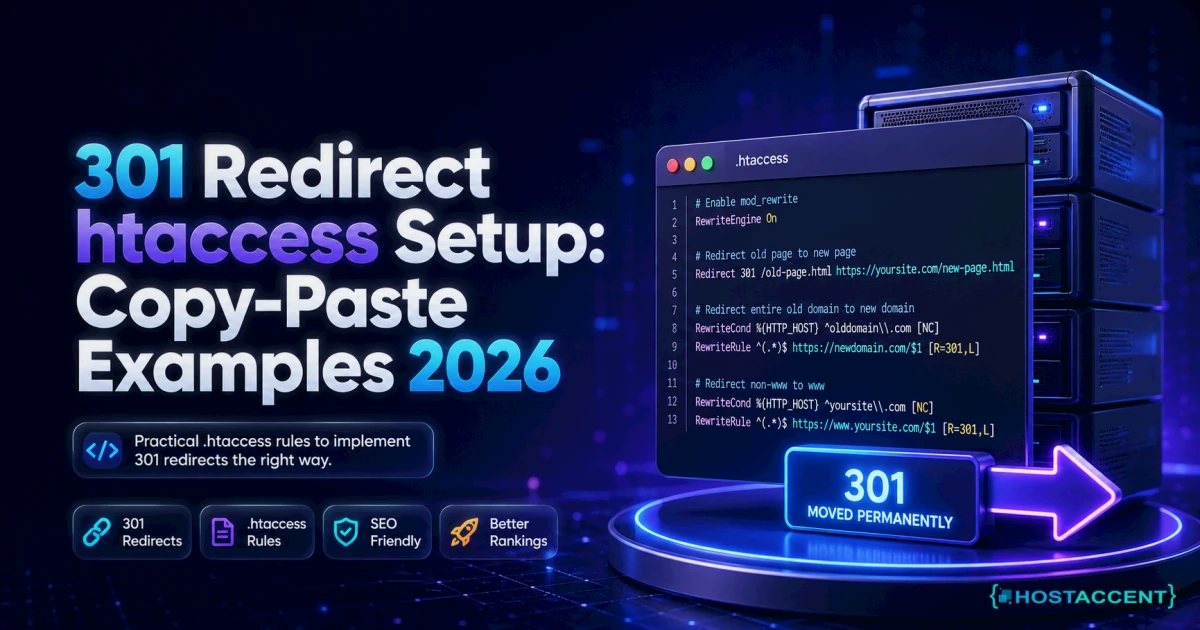
Insider Insight: When we migrate customer blogs from another host, the issue we fix most often isn't the content — it's a missing 301 redirect map. Bloggers switch hosts, forget to preserve their URL structure, then watch months of rankings quietly drain away. Map your old URLs to the new ones before you flip DNS, not after.
The Best Pick for Your Type of Blog
Not every blog needs the same plan. Here's how we'd match it:
Hobby or brand-new blog (under ~5k visits/month). Start on the cheapest viable shared plan — our Economy plan at $1.99/yr is built exactly for this. Don't overbuy. You can upgrade in minutes once you outgrow it.
Growing blog with email and a few thousand readers. Step up to a mid-tier shared plan with more resources and proper inbox-grade email. This is where the Standard tier earns its keep.
Monetized or small-business blog (10k–25k visits). You want guaranteed resources, daily backups, and priority support. Still shared-plan territory if the site is well-built — but keep an eye on your resource usage.
Past ~25k visits, or running WooCommerce. Time to look at a VPS. Our cPanel Cloud Hosting vs Shared Hosting breakdown covers exactly when to make the jump and what changes.
Budgeting the whole project, not just hosting? How Much Does a Website Cost in 2026? Full Breakdown lays out domain, hosting, theme, and the line items people forget.
The Renewal-Price Trap Nobody Warns You About
This is where most bloggers lose money. The industry runs on intro pricing: a low first-term rate that jumps — sometimes triples — the moment you renew.
A $2.95/month intro that renews at $11.99 isn't $2.95 hosting. Over three years it's closer to $400 than the ~$106 the sticker implies. [illustrative math — confirm each host's actual renewal rate]
Two rules protect you:
- Read the renewal rate before you buy, not the intro rate. It's usually in the fine print or the cart's "renews at" line.
- Pay for a longer term only when the renewal is honest. Locking in three years at a fair rate is smart. Locking in three years just to dodge a brutal renewal is delaying the pain, not avoiding it.
Transparent renewal pricing is the whole reason we publish ours plainly. You shouldn't need a spreadsheet to work out what year two costs.
Ready to Launch Your Blog?
If you've read this far, you already know more than most first-time buyers. The short version:
- Speed (NVMe + CDN), free SSL, automatic backups, and human support are the specs that matter.
- At the blogger tier, plans look similar on paper — so judge on renewal honesty and support.
- You don't need a VPS until you're past ~25k visits or running a store.
- Start cheap, upgrade later — don't overbuy on day one.
If you'd like web hosting for a blog that includes NVMe storage, free SSL, a CDN, and UK-based human support — without the renewal surprise — Hostaccent's Shared Hosting starts at $1.99/yr on the Economy plan. You can launch today and scale up only when your traffic genuinely demands it. Take a look at the Shared Hosting plans and pick the tier that fits where your blog is right now.
Frequently Asked Questions
Is cheap web hosting for a blog reliable?
Yes — if you pick the right plan. Cheap and unreliable aren't the same thing. A low-cost shared plan with NVMe storage, a 99.9% uptime commitment, free SSL, and human support runs a typical blog flawlessly. The real trap isn't the low price; it's a low intro price hiding a steep renewal.
Do I need a VPS for my blog, or is shared hosting enough?
For almost every new and growing blog, shared hosting is enough. A well-built blog stays comfortable on shared hosting until roughly 25,000 monthly visits. Move to a VPS when you hit consistent traffic spikes, run WooCommerce, or need guaranteed CPU and RAM instead of shared resources.
How much should blog hosting cost per month?
Expect $2 to $6 a month for a quality shared plan at the intro rate — then check the renewal, which is often $8 to $14 current market rates]. Anything promising "unlimited everything" for under a dollar usually hides real caps. Budget for the renewal, not just year one.
Can I move my blog to another host later?
Absolutely. Most hosts, including ours, offer migration help, and WordPress blogs move cleanly with the right plugin or a manual file-plus-database transfer. The key is preserving your URL structure with 301 redirects so you don't lose search rankings during the switch.
Does my blog host affect SEO and Google rankings?
Indirectly but meaningfully. Hosting won't write your content, but slow load times and downtime hurt Core Web Vitals and crawlability, which Google factors into rankings. Fast NVMe hosting with a CDN and solid uptime removes the technical penalties — the rest is on your content.
What's the difference between blog hosting and a free blogging platform?
A free platform owns your space; self-hosted blog hosting means you own it. With your own hosting you control the domain, monetization, plugins, and data — no platform can shut you down or run ads against your content. The trade-off is a few dollars a month and a little setup.
Reviewed by the Hostaccent Team — Hostaccent Limited, UK serving customers worldwide. Last updated June 2026.

Discussion
Have a question or tip about this topic? Share it below — your comment will appear after review.