
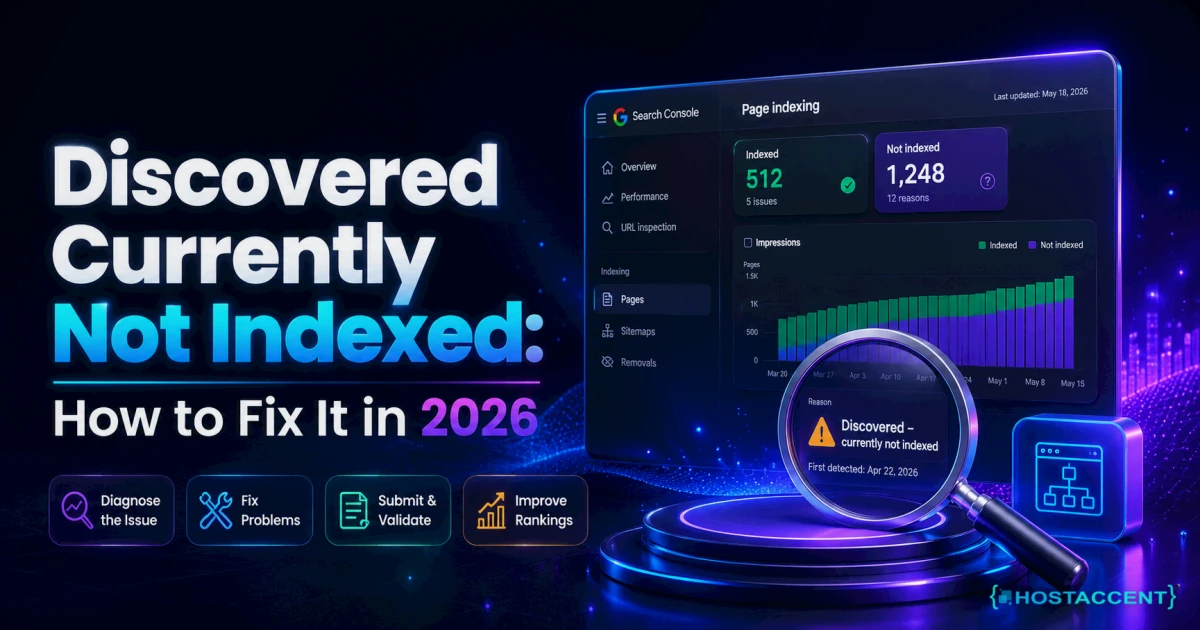
You published the page. You submitted the sitemap. And Search Console just sits there flashing "Discovered – currently not indexed." Annoying, right? Here's the reassuring part: discovered currently not indexed is almost never a penalty. It means Google found your URL but hasn't crawled or indexed it yet — usually because of crawl budget, a slow server, or a page it doesn't think is worth the trip. This guide walks through the real causes and the exact fixes, in the order that actually clears them.
Quick Answer: "Discovered – currently not indexed" means Google knows your URL exists but hasn't crawled or indexed it yet. It's typically a sign of crawl-budget limits, slow server response, thin or duplicate content, or weak internal linking — not a manual penalty. Fix the underlying cause first, then request indexing. Most affected pages recover within 10-14 days.
What "Discovered – Currently Not Indexed" Really Means
Google's pipeline has three stages: discover the URL, crawl it, then index it. This status means you're stuck at stage one. Google has the address (from your sitemap or a link) but hasn't sent Googlebot to fetch the page — so it can't rank.
In the indexing tickets we handle at Hostaccent, this is the status that panics people the most, and it's usually the least serious. It's not "Google rejected your page." It's "Google hasn't gotten around to your page." That distinction changes your whole fix strategy. If your page isn't showing up in search at all — not just stuck in this one Search Console status — the causes run wider; our complete guide to a website not showing up on Google covers the full checklist.
Most page indexing issues live in one Search Console report: Pages → Page indexing. Open it, and you'll see the exact URLs sitting in this state. That list is your worklist for the rest of this guide.
Insider Insight: A brand-new URL showing this status for 48-72 hours is completely normal. Don't touch anything for the first few days on a fresh page — you'll only waste a manual crawl request that Google throttles anyway.
Why Google Marks Pages Discovered Currently Not Indexed
Google works on a budget. It won't crawl every URL on the web equally — it allocates a crawl budget per site based on how important and how healthy your site looks. If your server is slow or your site is bloated with low-value URLs, Google quietly slows its crawl rate to avoid hammering you.
So a page ends up discovered currently not indexed for one of two broad reasons:
- Google can't crawl it efficiently — the server responds slowly, times out, or the site has thousands of thin URLs eating the budget.
- Google doesn't think it's worth crawling — the page looks thin, duplicate, or orphaned (nothing links to it internally).
Both are fixable. But they need different fixes, which is why so many "just click Request Indexing" guides fail. If the cause is a slow host, requesting indexing does nothing — Google still can't fetch the page quickly. According to Google's own crawling and indexing documentation, crawl demand rises when your pages are popular and your server is responsive.
The Real Causes, Ranked by How Often We See Them
When we look at real sites, the causes cluster in a predictable order. Here's the frequency ranking, most common first:
| Rank | Cause | Typical signal | Difficulty to fix | |------|-------|----------------|-------------------| | 1 | Slow server response / TTFB | Crawl stats show high fetch time | Medium | | 2 | Thin or low-value content | Short pages, no unique data | Medium | | 3 | Weak internal linking (orphan pages) | Page has 0-1 internal links | Easy | | 4 | Crawl budget wasted on junk URLs | Faceted/parameter URLs, tag pages | Medium | | 5 | Duplicate / near-duplicate pages | Multiple URLs, same content | Medium | | 6 | New/low-authority site | Young domain, few backlinks | Slow (time) |
On the Nginx → Apache + NVMe stack we run at Hostaccent, the bottleneck we see most is #1 — response time. When a server takes 800ms or more to answer, Googlebot crawls fewer pages per visit and defers the rest. That's how healthy pages end up parked in this status for weeks.
Pro Tip: Check Settings → Crawl stats in Search Console. If "Average response time" is above roughly 300-500ms, or you see a spike in "Server error (5xx)" or "Other client error," your hosting is throttling the crawl — fix that before anything else.
Step-by-Step Fixes That Actually Clear It
Work these in order. Each one maps to a cause above.
Fix 1 — Speed up server response (the highest-leverage fix)
Slow TTFB is the quiet killer of crawl budget. Aim for a Time to First Byte under 200ms on cached responses and under 500ms uncached.
- Enable full-page caching (object cache + a CDN edge cache).
- Put a CDN in front so Googlebot often hits an edge cache instead of your origin.
- Upgrade off oversold shared plans onto NVMe SSD storage — spinning or SATA disks add latency on every database read.
- Keep PHP current (PHP 8.2+); older versions are measurably slower.
If your numbers are ugly, our deep-dive on How to Fix High TTFB in WordPress (2026 Guide) has the exact server-side steps, and WordPress Site Slow: Complete Diagnosis and Fix Guide (2026) covers the full audit.
Fix 2 — Beef up thin content
If a page is 150 words of filler, Google may decide it's not worth a crawl. Make it genuinely useful: add real depth, original data, a table, an example, an FAQ. A page that answers the query completely earns its crawl.
Honest note: no server upgrade fixes a thin page. If the content has nothing unique, no hosting change will get it indexed — and it probably shouldn't be.
Fix 3 — Fix internal linking (orphan pages)
Google discovers and prioritizes pages partly by how you link to them. A page with zero internal links looks unimportant.
- Link to the stranded URL from 2-3 relevant, already-indexed pages.
- Add it to your main nav, a category hub, or a "related posts" block.
- Make sure it's in your XML sitemap (see the XML sitemap protocol spec for correct formatting).
Fix 4 — Stop wasting crawl budget on junk
If Google is busy crawling 1,000+ useless parameter URLs, tag archives, and filter combinations, it never reaches your money pages.
- Add
noindexorrobots.txtrules to low-value URL patterns (tag pages,?sort=,?filter=params). - Consolidate near-duplicates with canonical tags.
- Trim your sitemap to only the URLs you actually want indexed.
Fix 5 — Then, and only then, request indexing
Once the real cause is fixed, use the URL Inspection tool → Request Indexing to nudge Google. This pushes the URL to a priority crawl queue.
Pro Tip: Request indexing sparingly — Google limits how many manual requests it honors per day, and spamming the button on a broken page does nothing. Fix first, request once.
Still chasing the performance bottleneck?
Share the slow pages, timing data, and recent changes. We can isolate application, database, network, and server bottlenecks before recommending work.
How to Confirm the Fix and Stop It Recurring
After you've made changes, don't just wait and hope. Confirm it properly.
- Re-inspect the URL. In URL Inspection, hit "Test Live URL." If Google can fetch and render it cleanly with a 200 OK, you're in good shape.
- Watch Crawl Stats for 7-14 days. Response time should drop and crawled-pages-per-day should climb.
- Recheck the Page indexing report. URLs should migrate from "Discovered" to "Crawled," then to "Indexed."
Indexing isn't instant. In our experience, a properly fixed page moves to indexed within 10-14 days, sometimes as fast as 24-48 hours for high-authority sites.
To prevent a repeat, keep server response fast and your Core Web Vitals healthy — Core Web Vitals Failing? Your Hosting Might Be the Problem explains why speed and indexing are linked. And keep your crawl budget clean: no orphan pages, no duplicate sprawl.
Insider Insight: Sites that scale traffic without scaling their server hit this status hardest — the crawler backs off exactly when you're adding pages fastest. If you're growing, plan hosting ahead of the growth, not after. See Best Hosting for High Traffic WordPress Sites in 2026.
When Your Server Is the Bottleneck
If you've fixed content and internal links but pages still won't index, pull your access logs and watch how Googlebot is treated. Frequent slow responses, occasional 504 gateway timeouts, or 5xx errors are a direct signal to Google to crawl less. This is where hosting quality bites — and where Hostaccent customers on NVMe rarely see the problem, because the origin answers fast enough that crawl budget never becomes the limiter.
Speed guidance from Google's team, echoed in the Core Web Vitals guidance on web.dev and in Cloudflare's explainer on crawl budget and CDNs, all points the same way: a responsive server gets crawled more.
If your logs show Googlebot hitting slow responses and you'd rather not hand-tune Nginx and PHP-FPM yourself, that's the case for faster hosting. The Hostaccent Team has run infrastructure since 2012 as a UK-registered host serving customers worldwide, on an NVMe + Cloudflare + Nginx → Apache stack built for quick, consistent response times. Our Economy shared hosting plan starts at $1.99/mo and keeps TTFB low enough that crawl budget stops being why pages sit discovered currently not indexed. Honest caveat: Economy is shared hosting — a busy store doing thousands of daily visitors should step up to VPS instead.
Key takeaways:
- It's not a penalty — Google found your page but hasn't crawled it yet.
- Slow server response (high TTFB) is the #1 cause; fix speed before anything else.
- Thin content and orphan pages are the next two; add value and internal links.
- Clean up wasted crawl budget, then request indexing once.
- Confirm with Crawl Stats and expect recovery in about 10-14 days.
Frequently Asked Questions
Is "discovered currently not indexed" bad for SEO?
Not directly — it's not a penalty, and it doesn't harm pages that are indexed. But it means the affected page can't rank because it isn't in Google's index yet. Left unfixed on important pages, it costs you traffic. Treat it as a crawl-priority problem, not a punishment.
Why is Google not indexing my site?
The most common reasons Google is not indexing my site (or yours) are slow server response eating crawl budget, thin or duplicate content, orphan pages with no internal links, and a young domain with little authority. Fix the technical causes first, add genuine value to the content, then request indexing.
How long does it take to get indexed after you request indexing?
It varies. On established sites, a page can index within 24-48 hours after you request indexing. On newer or slower sites, expect 10-14 days, sometimes longer. Requesting indexing only speeds things up if the page is actually crawlable and worth indexing.
What's the difference between "discovered" and "crawled currently not indexed"?
"Discovered" means Google knows the URL but hasn't fetched it — usually a crawl-budget or speed issue. Crawled currently not indexed means Google did fetch the page but chose not to index it — usually a quality, duplicate, or thin-content issue. Different stage, different fix.
Can hosting really affect indexing?
Yes. Google reduces crawl rate when your server responds slowly or throws errors, so pages get stuck in the discovered state. Fast, reliable hosting keeps TTFB low and crawling steady — Hostaccent's Economy plan, for example, runs on NVMe with a Cloudflare edge specifically to keep response times down for crawlers and visitors.
Should I use the Request Indexing button for every page?
No. Google limits manual requests and prioritizes them itself. Use Request Indexing for a handful of genuinely important, newly fixed pages — not in bulk. For large batches, submit a clean XML sitemap and let Google crawl naturally as your server speed and internal linking improve.



Discussion
Have a question or tip about this topic? Share it below — your comment will appear after review.