
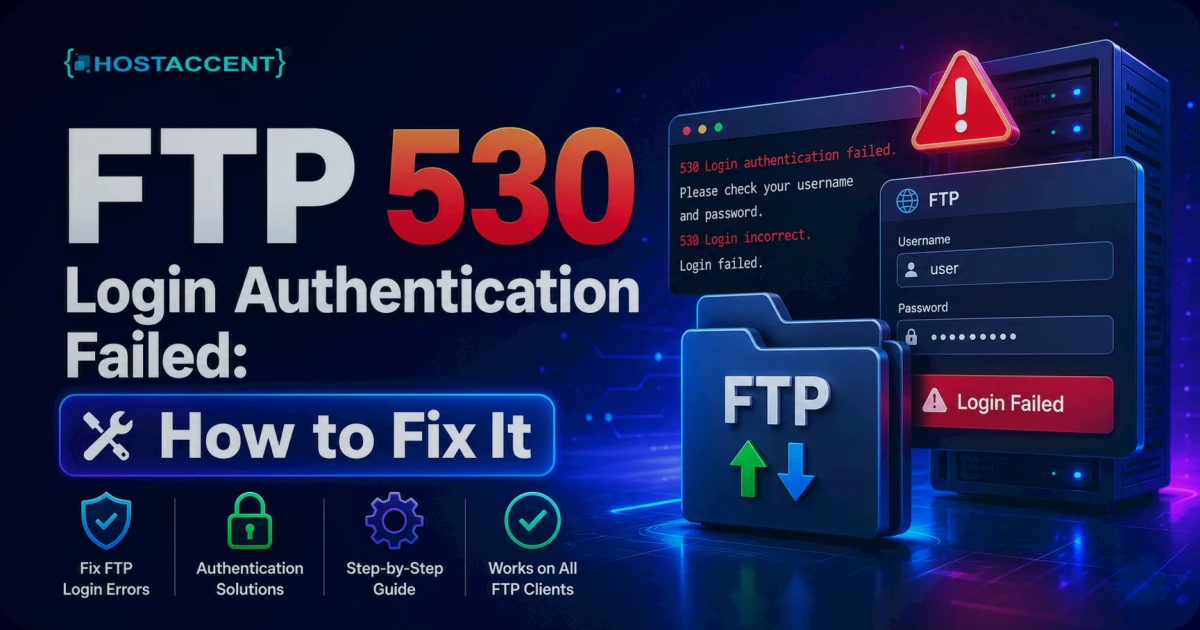
You hit upload, the transfer should start — and instead the client spits back 530 Login authentication failed. The connection opened, the password got rejected, and now your deploy is stuck. That FTP 530 Login Authentication Failed message means exactly one thing: the server reached the login stage and turned your credentials away. Frustrating mid-deploy, sure — but it's one of the faster hosting errors to clear once you know what's actually triggering it.
Below are the real causes in the order we see them, plus the exact fix for each. Action first, theory second.
Quick Answer: A 530 error means the FTP server accepted your connection but rejected your login. The cause is almost always a wrong or expired password, a username typed in the wrong format, or an IP that got temporarily blocked after several failed attempts. Reset the FTP password, confirm the exact username, and reconnect on the correct port — 21 for FTP, 22 for SFTP.
What the FTP 530 Login Authentication Failed Error Means
The 530 status code is defined in the original FTP specification, RFC 959, as "Not logged in." On a managed host like Hostaccent, that FTP layer sits behind the same security stack as everything else — so a 530 is the server's polite way of telling you the username or password didn't check out.
The exact wording is a clue worth reading. "Login authentication failed" is what Pure-FTPd returns, and Pure-FTPd is the default on most cPanel and DirectAdmin servers. Other software words it differently — vsftpd and ProFTPD both say "530 Login incorrect." Same problem, different daemon.
Here's the part that saves you time: this is an authentication error, not a connection error. If the port were blocked, you'd get a timeout or "connection refused" instead. A 530 means the network path works and the FTP handshake got as far as your credentials — which it then rejected. That rules out half the usual suspects before you start.
Pro Tip: The wording tells you which server you're on. "Login authentication failed" points to Pure-FTPd (typical on cPanel/DirectAdmin); "Login incorrect" points to vsftpd or ProFTPD. It won't change the fix much, but it tells you which docs to trust.
What's Actually Causing It (Ranked by Frequency)
In the support tickets our team handles at Hostaccent, FTP login failures fall into a short, predictable list. Here's the honest frequency order — work it top down and you'll rarely reach the bottom.
| Cause | Roughly how often | Tell-tale sign |
|---|---|---|
| Wrong/expired password (typo, copy-paste spaces) | ~60% | Fails instantly even with the right user |
| Wrong username format | ~15% | Works as [email protected], not user |
| IP blocked by brute-force protection | ~10% | Correct password still fails after a few tries |
| Wrong credential type (email vs FTP vs SSH) | ~8% | Panel, email, and FTP logins getting mixed up |
| FTPS/TLS required, client sending plaintext | ~4% | The 530 mentions SSL or TLS |
| Account suspended, disk full, or home dir missing | ~3% | Right after a migration or an unpaid invoice |
Those percentages come from the pattern of access tickets we see, not a formal benchmark — treat them as a triage order, not a lab result.
And notice what's missing: passive mode. Passive-mode and firewall problems are real, but they break the data channel — directory listings hang, transfers stall halfway. They don't usually throw a 530 at the login stage. If you're staring at a 530, credentials and IP blocks are where your time goes.
How to Fix FTP 530 Login Authentication Failed
Run these in order — the steps below are current as of June 2026. Most people are sorted by step 2.
1. Re-check the password, slowly
Sounds obvious. It's still the winner. Watch for the quiet culprits:
- Caps Lock — passwords are case-sensitive.
- A trailing space when you paste from a password manager or a chat message.
- An expired or recently changed password your FTP client cached.
If anything's uncertain, reset the FTP password from your control panel instead of guessing. In cPanel, that's Files → FTP Accounts → Change Password (cPanel's FTP documentation covers the exact path). Type the new one in by hand the first time — don't paste — to rule out invisible characters.
2. Confirm the exact username format
This trips up more people than it should. On cPanel, sub-accounts log in as the full address — [email protected] — while the main account uses the bare cPanel username. Using user when the server wants [email protected] produces a clean 530 every time, even with a perfect password.
Not sure which you have? The FTP Accounts page lists the exact username next to each account. Copy it from there.
3. Stop retrying — you might be IP-blocked
Here's the one that fools experienced people. Brute-force protection like cPHulk or Fail2ban watches for repeated failures. After roughly 3-5 bad attempts, it blocks your IP — often for 15 minutes or more — and from then on even your correct password returns a 530.
So if the password is definitely right and it still fails, stop hammering it. Our security layer at Hostaccent uses exactly this kind of protection, and the fastest test is to try from a different network — a phone hotspot works. If that connects, your office IP is temporarily blocked. Wait it out or ask your host to whitelist the address.
Insider Insight: Repeated logins after a typo are self-defeating. Each failed attempt can extend the block. Fix the credential first, then reconnect once — don't retry on a loop hoping it clears.
4. Match the credential type to the protocol
FTP, FTPS, and SFTP are not interchangeable, and mixing them up is a common cause of login failure:
- FTP runs on port 21 with your FTP password.
- FTPS is FTP wrapped in TLS — explicit on port 21, or implicit on port 990.
- SFTP is something else entirely: it rides over SSH on port 22 and uses your SSH credentials, not your FTP password.
Your email password is also not your FTP password unless you set them the same. If you're plugging an email login into an FTP client, that's your 530 right there.
5. Handle TLS and post-migration edge cases
Some servers refuse plaintext logins and demand encryption. In FileZilla, set Encryption → Require explicit FTP over TLS and reconnect. If the 530 text mentions SSL or TLS, this is almost certainly it.
After a migration, two quieter causes show up: a full disk (no room to write, so the login can't complete) or a home directory that didn't get recreated. When we migrate customer sites, a missing or mis-owned home folder is something we check early, because Pure-FTPd returns a 530 when it can't land you in a valid directory. If you've just moved hosts, rule that out. And while you're here, know the neighbours: a 403 Forbidden Error and a 500 Internal Server Error in WordPress have completely different causes — don't confuse a 530 with those.
Confirming the Fix and Preventing a Repeat
Once you reconnect, prove it actually worked: list a directory, then upload a small test file and delete it. If both succeed, the login and the data channel are healthy.
To keep 530s from coming back:
- Use a password manager and store FTP credentials there — no more guessing, no more typos.
- Switch to SFTP where you can. It encrypts both your login and your files; plain FTP sends credentials in the clear. The OWASP guidance on secure transfer is blunt about preferring it.
- Set up SSH key authentication for SFTP so there's no password to mistype at all.
Key takeaways:
- A 530 is an authentication rejection, not a network failure — focus on credentials.
- Around 60% of cases are just a wrong or expired password; username format is next.
- If a correct password keeps failing, you're probably IP-blocked — switch networks to confirm.
- Use the right port (21 for FTP, 22 for SFTP) and prefer encrypted transfer.
When You'd Rather the Host Handled the FTP Layer
If you're tired of chasing FTP errors, brute-force blocks, and TLS settings yourself, that's exactly the work a managed plan takes off your plate. Hostaccent Limited — a UK-registered host operating since 2018 — runs its Linux VPS hosting on a Cloudflare → Nginx → Apache stack with NVMe SSD storage, backed by UK-based human support and a 99.9% uptime target, starting at $7.99/mo for the Basic plan. So when a 530 like ftp 530 login authentication failed shows up, you've got someone to hand it to. The honest caveat: a managed VPS is overkill if you're running one tiny static site, where shared hosting is plenty. If you're scaling — or you want EU latency — our Amsterdam VPS guide walks the options, and if you're still naming the project, our domain extension comparison is a quick read.
Frequently Asked Questions
Why does FTP 530 login authentication failed keep happening after I reset my password?
Because your IP is probably blocked. Brute-force tools like cPHulk and Fail2ban lock an address after several failed logins, so even a correct password returns a 530 until the block clears — usually 15 minutes or more. Test from a different network, like a phone hotspot, to confirm.
Is FTP 530 the same as "530 Login incorrect"?
Yes — same status code, different wording. "Login authentication failed" is how Pure-FTPd phrases it (common on cPanel), while vsftpd and ProFTPD say "Login incorrect." Both mean the server accepted your connection but rejected your username or password at the authentication stage.
Should I use FTP or SFTP to avoid login errors?
SFTP, in almost every case. It runs over SSH on port 22 and encrypts your credentials, while plain FTP sends them unprotected. On hosts like Hostaccent, SFTP uses your SSH login rather than a separate FTP password — one fewer credential to mistype, and a more secure connection overall.
Can connecting on the wrong port cause a 530 error?
Indirectly, yes. If you point an FTP client at port 22 (SFTP) with FTP credentials, or send plaintext to a TLS-only server, authentication fails. Confirm port 21 for standard FTP, 990 for implicit FTPS, and 22 for SFTP, and match the credential type to the protocol.
Does a suspended hosting account cause FTP 530 errors?
It can. A suspended account — often from an unpaid invoice or a terms violation — disables FTP logins and returns a 530 even with valid credentials. A full disk does the same, since the server can't write your session. If a recent billing or storage issue lines up with the error, start there.
How do I reset my FTP password the right way?
In cPanel, go to Files → FTP Accounts, find the account, and choose Change Password. Type the new password by hand instead of pasting to avoid stray spaces, then update it in your FTP client. Reconnect once — don't retry repeatedly, or you risk triggering an IP block.



Discussion
Have a question or tip about this topic? Share it below — your comment will appear after review.