
You bought a server — or you're about to — and now someone is telling you it needs "managing." Server management services exist because a server is not a set-it-and-forget-it purchase. It needs security patches, monitoring, backups, and a human who can fix it at 3 a.m. when something breaks. This guide explains exactly what those services cover, what they cost in 2026, what the do-it-yourself route honestly takes, and how to decide which path fits you.
Quick Answer: Server management services handle the ongoing technical care of a server: 24/7 monitoring, operating system updates, security hardening, automated backups, performance tuning, SSL and DNS management, and emergency troubleshooting. Industry pricing typically runs $30–$500 per server per month depending on scope. Many hosts bundle the same work into a managed VPS plan, which is usually the cheaper route for a single server.
Some companies sell management as a standalone contract for servers you rent elsewhere. Others — a host like Hostaccent, for one — bundle the management into the hosting itself, so the machine and the people maintaining it come from the same place. Both models cover broadly the same seven jobs, so let's start there.
What Do Server Management Services Cover?
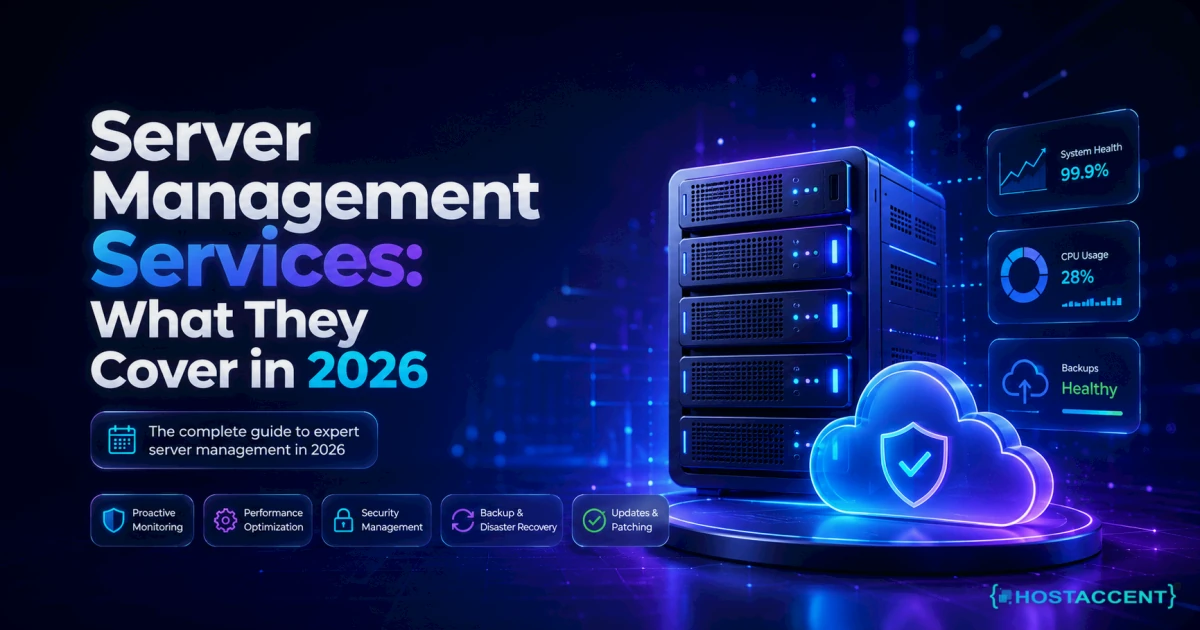
Strip away the marketing and every serious plan comes down to seven recurring jobs. Here's each one in plain words, with what it actually involves.
1. Monitoring — watching the server around the clock
Software checks the server every minute or so: is the site up, is the CPU overloaded, is the disk filling, is email flowing? When a check fails, an engineer gets paged. A good server monitoring and maintenance service doesn't just alert — it responds. That distinction matters, and we'll come back to it.
2. Updates and patching — keeping the software current
The operating system, the web server, PHP, and the database all release security fixes constantly. Someone has to apply them, verify nothing broke, and reboot when the kernel demands it. Skipped updates are how servers get hacked — not exotic attacks, just months-old holes nobody closed.
3. Security hardening — locking the doors
This covers the firewall, brute-force protection, malware scanning, and disabling risky defaults. The OWASP foundation maintains the standard playbooks for what "secure" means, and a competent admin applies that thinking to your specific stack.
4. Backups — the part everyone skips until it's too late
Automated daily backups, stored on a different machine, tested by actually restoring one now and then. In the support tickets our team handles, the most painful cases are never the crash itself — they're the crash plus the discovery that backups quietly stopped running four months ago.
5. Performance tuning — making it fast
Cache configuration, database tuning, and web-server settings adjusted for your real traffic. On a typical stack this is the difference between a page loading in 400ms and 2+ seconds under load.
6. SSL and DNS management — the plumbing
SSL certificates (the padlock in the browser) now renew every 90 days on Let's Encrypt, and an expired one takes your site offline for every visitor. DNS is the address book that points your domain at the server. Both are trivial when automated, disastrous when forgotten.
7. Troubleshooting — a human when things break
The site's down, email is bouncing, a plugin update killed the checkout page. A managed service means you open a ticket and someone with root access fixes it — typically within 15–30 minutes for emergencies on decent plans.
Pro Tip: Ask any provider one question before signing: "If my site goes down at 2 a.m., does someone fix it, or do I get an alert email?" Plenty of cheap "monitoring" plans only do the second. Monitoring without intervention is a smoke alarm with no fire department.
What Server Management Costs in 2026
Honest numbers, as of July 2026. Standalone outsourced server administration — where you rent the server elsewhere and pay a separate company to run it — generally prices per server per month:
| What you're buying | Typical monthly cost | What's usually included | |---|---|---| | Basic monitoring only | $10–$30 | Alerts, no hands-on fixes | | Standard Linux server management service | $30–$100 | Updates, security, backups, ticket support | | Full proactive management | $100–$500 | Everything above + tuning, migrations, fast SLA response | | Managed VPS (server + management bundled) | $8–$50 | The server itself plus the management layer |
Two things jump out of that table. First, industry data on managed IT more broadly shows businesses paying $100–$250 per user per month for full MSP contracts — server care is a fraction of that because it's one machine, not a fleet. Second, the bundled managed VPS row is the quiet bargain: for a single website or small app, buying the server and the management together almost always beats paying two separate bills.
One honest limitation: bundled management covers the server and stack — it typically won't include custom application development or marketing work. If you need code written for your app, that's a separate conversation.
Don't want to handle any of this yourself? Hostaccent's team sets up everything — domain, hosting, SSL, and your live website — start to finish, then keeps managing it. Tell us what you need and we'll handle the rest. One message, zero technical work.
The DIY Path: What Managing Your Own Server Really Takes
Fair is fair: you can do all of this yourself, thousands of people do, and if you enjoy it, a self-managed VPS is genuinely the cheapest option. Here's the real workload, no scare tactics:
- Initial setup: 2–4 hours to harden a fresh server properly — firewall, SSH keys, fail2ban, automatic security updates. Our Linux VPS security baseline for Ubuntu walks through the whole thing in about 30 minutes if you follow it exactly.
- Backups: 1–2 hours to set up once. The rsync and cron backup automation guide covers a setup that then runs itself daily.
- Ongoing maintenance: realistically 30–60 minutes per week — applying updates, scanning logs, checking disk space. Less if you automate aggressively, more when something misbehaves.
- Performance work: occasional but deep. Tuning Nginx and PHP-FPM is a weekend project the first time.
- Deployments: if you run applications, guides like our Node.js on a Linux VPS with PM2 and Nginx walkthrough show the standard pattern.
The skills required are learnable: basic Linux commands, comfort with a terminal, and patience with documentation like Cloudflare's Learning Center for the networking side.
The honest catch isn't the routine work — it's the irregular work. In our experience migrating customer sites off self-managed setups, we see the same story again and again: everything ran fine for a year, then a disk filled up or an update broke PHP at the worst possible moment, and the owner spent a panicked weekend learning server forensics. The cost of DIY isn't 60 minutes a week. It's being the only person on call, forever.
Insider Insight: The single most common self-managed failure we see isn't hacking — it's a full disk. Logs grow silently until the database can't write and the whole site dies with a confusing error. If you self-manage, set a disk-usage alert at 80% today. It's a five-minute job that prevents the #1 outage.
The Done-for-You Path: What a Full A-to-Z Setup Includes
If you'd rather never touch a terminal, the done-for-you version of this covers considerably more than server care. A complete setup service takes you from nothing to a live, working website:
- Domain registration — your name on the internet, registered in your ownership (walk away from any provider that registers it under theirs).
- Hosting setup — a VPS configured on fast NVMe SSD storage, with the web stack, PHP, and database installed and tuned. (On Hostaccent's own stack, that means Cloudflare in front, Nginx and Apache behind it, and NVMe drives underneath.)
- SSL certificate — installed and set to auto-renew, so the padlock never expires.
- Your live website — the actual site installed, configured, and handed over working.
- Ongoing care — everything from the seven-job list above, continuing after launch: updates, uptime monitoring against a 99.9% target, backups, and a support desk for anything that breaks.
That last item is the piece most people underestimate. Launch day is maybe 5% of a website's life; the other 95% is the quiet upkeep. Our full breakdown of what fully managed VPS hosting actually gets you goes deeper on where the line sits between "the host's job" and "your job."
The economics are simpler than they look. Infrastructure starts around $7.99/mo for a managed-capable VPS, and the management layer on top is what you're really evaluating. For a business owner billing $50+/hour, four saved hours a month already pays for most management plans.
How to Decide: Manage It Yourself or Hand It Off?
Skip the agonizing — this decision usually collapses to three questions:
- Choose DIY if: you enjoy the technical side, your site can tolerate a few hours of downtime while you learn, and 30–60 minutes a week of maintenance sounds fine. You'll save $30–$100+/mo and gain a genuinely useful skill.
- Choose managed if: the website makes money or bookings, you don't have (or want) the skills, or your time is worth more spent on the business. You're not buying updates — you're buying the ability to never think about servers again.
- Choose managed urgently if: you're already running a self-managed server and dreading it. That dread is data. Servers punish neglect, and a neglected server is a security incident on a timer.
There's no wrong answer, only a wrong fit. Plenty of our readers use the DIY guides above for years and never need us — genuinely fine. The rest send one message and get their evenings back.
Get Everything Set Up Without Lifting a Finger
If this article convinced you that server management services are worth paying for, here's the concrete next step. Hostaccent — a UK-registered host operating since 2012 — offers a complete A-to-Z setup: we register the domain, configure the VPS hosting (Basic plan from $7.99/mo, renews at $7.99/mo), install the SSL, launch your live website, and then keep managing all of it with UK-based human support. You describe what you need in plain English; we handle every technical step. And if you're mid-crisis right now — site down, email bouncing — the same team handles rescues, not just fresh setups. Send us one message describing what you need, and we'll reply with exactly what it involves and what it costs. No obligation, no jargon.
FAQ: Server Management Services: Common Questions
What is included in server management services?
The standard scope is 24/7 monitoring, operating system and software updates, security hardening and malware protection, automated backups, performance tuning, SSL and DNS management, and hands-on troubleshooting when something breaks. Scope varies by plan — always confirm whether the provider fixes problems or merely alerts you to them.
How much does it cost to have someone manage my server?
Standalone management typically runs $30–$100/mo for a standard plan and $100–$500/mo for fully proactive service, as of 2026. Bundled managed VPS hosting is usually cheaper for a single server, since the machine and the management come as one bill starting under $10/mo.
Do I still need management if my server has a control panel?
A control panel like cPanel makes tasks clickable — it doesn't perform them. Someone still has to apply updates, watch the logs, verify backups, and respond when the server goes down at night. Panels reduce the skill required; they don't remove the responsibility or the on-call burden.
What's the difference between managed and unmanaged hosting?
With unmanaged hosting you rent bare infrastructure and everything above the hardware is your job. Managed hosting includes the human layer: updates, security, backups, monitoring, and support. Unmanaged is cheaper on paper; managed is cheaper the first time something breaks outside your skill set.
Can you set up the whole website, not just the server?
Yes. Hostaccent's done-for-you service covers the full chain — domain registration, hosting configuration, SSL, and your live working website — followed by ongoing management. You send one message describing what you need, and the technical work, from DNS records to final launch, is handled for you end to end.
How fast do managed services fix problems?
On serious plans, emergency issues like a downed site get a first response within 15–30 minutes, with most common failures resolved inside an hour. Routine requests typically complete within 24 hours. Always check the provider's stated response target — "24/7 support" without a response-time commitment is a soft promise.





Discussion
Have a question or tip about this topic? Share it below — your comment will appear after review.