
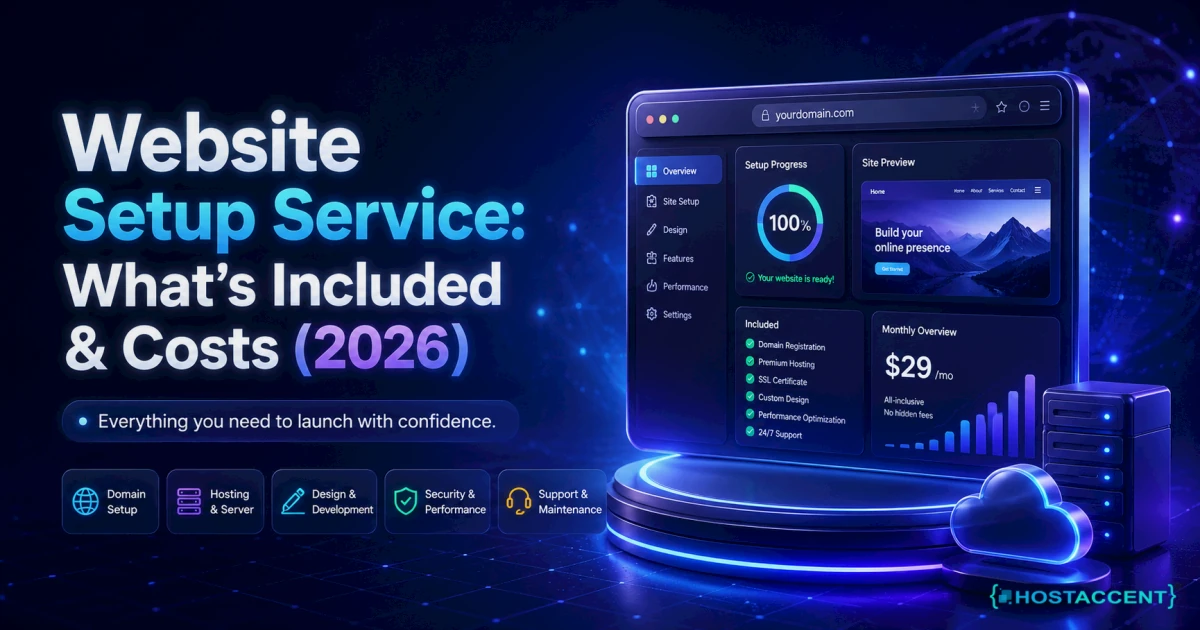
You want a website. You don't want to spend three weekends learning DNS records, hosting panels, and certificate renewals to get one. That's exactly the problem a website setup service solves — someone else handles the technical plumbing, and you get a finished, working site. Here's what these services actually include, what they should cost in 2026, and how to spot a fair offer.
Quick Answer: A website setup service handles everything needed to put a working website online: domain registration, hosting configuration, SSL security, software installation, basic design, and launch. Infrastructure typically runs $40-$60 per year; setup labor ranges from free (bundled with hosting) to $500+ when full design work is included. Most sites go live within 3-7 business days.
That answer comes from doing this work daily. At Hostaccent, our engineers resolve 20-30 client site issues every day and have launched 10,000+ websites since 2012 — this guide walks through the same setup process we run for customers, written so you can either do it yourself or know exactly what you're paying someone else for.
What Is a Website Setup Service?
A website setup service is a done-for-you package where a provider registers your domain, configures hosting, installs your website software, secures it, and hands you a live site. You describe what you need; they deliver a working address on the internet.
It sits between two things you've probably already priced. On one end, DIY website builders leave all the work with you. On the other, custom web design agencies charge $3,000-$10,000+ for bespoke builds, based on industry data. A setup service covers the essential middle: the technical foundation done properly, without agency invoices.
Who buys it? Non-technical business owners, mostly — people who know a website matters but have no interest in nameservers. If you're still weighing whether you need a site at all, start with Do I Need a Website for My Small Business? and come back.
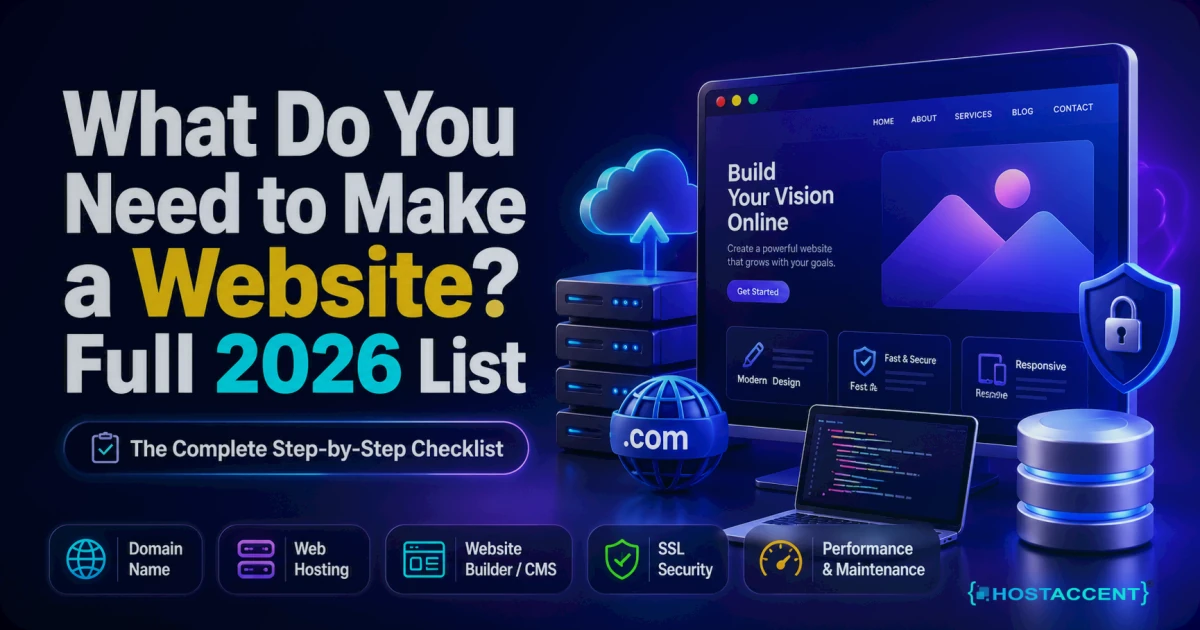
What's Included: The 7 Pieces of a Working Website
Every legitimate setup covers these seven components. If a quote skips any of them, ask why.
-
Domain name. Your address on the internet (yourbusiness.com). A .com costs $13.99/yr — you can register your domain in about two minutes. Watch renewal pricing elsewhere: plenty of registrars advertise a cheap first year, then double it.
-
Web hosting. The server — a computer that stores your site's files and shows them to visitors 24/7. Decent shared hosting in 2026 means NVMe SSD storage (fast disks), a control panel like cPanel so you can manage things without commands, and a 99.9% uptime guarantee.
-
DNS configuration. DNS is the internet's phonebook — it connects your domain name to your server. It's a five-minute job done right, and the single most common thing beginners break. Changes also take 24-48 hours to spread worldwide, which is why new sites sometimes "work on my phone but not my laptop." Cloudflare's Learning Center explains the mechanics well.
-
SSL certificate. The padlock in the browser bar, encrypting traffic between visitors and your site. Browsers flag sites without one as "Not Secure." It should cost you $0 — Let's Encrypt issues free certificates any competent host installs automatically.
-
Website software. Usually WordPress, which powers roughly 43% of all websites. Installation, an appropriate theme, and core settings — permalinks, time zone, admin account. The official WordPress documentation covers everything the software can do.
-
Email at your domain. [email protected] instead of a free webmail address. Small detail, big credibility difference — and fiddly to configure correctly (three DNS records just for deliverability).
-
Backups and launch checks. Automated backups switched on, caching configured, a mobile test, and a final walkthrough before the site is declared live.
Pro Tip: Whoever sets up your site, insist the domain is registered in your name, under an account you control. It's the deed to your online property. We've untangled ownership disputes during migrations where a long-gone freelancer legally owned a business's domain — recovery took weeks.
What a Website Setup Service Costs in 2026
Here's the honest, itemized picture — as of July 2026:
| What you're paying for | Typical cost | Notes | |---|---|---| | Domain name (.com) | $13.99/yr | Renews at $13.99/yr with us — no year-two jump | | Shared hosting | from $1.99/mo | Hostaccent's Economy plan renews at the same $1.99/mo | | SSL certificate | $0 | Free via Let's Encrypt — never pay for a basic one | | WordPress + theme | $0-$100 | Core software is free; premium themes are optional | | Setup labor | $0-$500 | Often free bundled with hosting; standalone freelancers charge $150-$500 | | Custom design (optional) | $500-$5,000+ | Industry data for freelance/agency design work |
So the infrastructure — everything a website needs to exist — costs roughly $40-$60 per year. The wide ranges you see elsewhere (we break them down in How Much Does a Website Cost in 2026?) come almost entirely from design and content, not setup.
Most website setup packages land in one of three tiers: bundled with hosting (free to $50 — the host profits from the plan, not the labor), standalone technical setup ($150-$500 from a freelancer — see typical rates to hire someone), and setup plus custom design ($500-$5,000+).
One honest caveat: prices for the last two tiers vary wildly because you're buying hours, not hardware. Always get the scope in writing.
Don't want to do any of this yourself? Hostaccent's team sets up the whole thing — domain, hosting, SSL, and your live website — start to finish. Tell us what you need and we handle the rest. One message, zero technical work.
The DIY Path: What It Really Takes
Fair is fair: you can absolutely do this yourself, and if you do, you'll pay in time instead of money.
Budget 15-20 hours for a first-timer. Register the domain, buy hosting, point the nameservers, wait out DNS propagation, install WordPress, pick and configure a theme, set up SSL, create email accounts, enable backups, and test everything. An experienced person does it in an afternoon. You won't — not the first time, and that's normal.
Where do beginners actually get stuck? In our experience across 4,000+ migrations and thousands of support tickets, three places:
- DNS typos. One wrong character in a nameserver and your domain shows a dns_probe_finished_nxdomain error instead of a website.
- Email deliverability. Skipping SPF and DKIM records means your messages bounce back with 550 errors or land in spam.
- Skipping performance basics. No caching, oversized images, slow first loads — web.dev performance guidance covers the fixes, but most first-timers never look.
None of this is beyond a motivated person. It's just real work with real failure points.
Insider Insight: Register your domain and hosting with the same provider. It sounds trivial, but it eliminates the entire nameserver-pointing step — the #1 source of "my site disappeared" panic tickets we see from DIY setups.
The Done-for-You Path: Professional Website Setup, A to Z
A turnkey website service compresses those 15-20 hours into one conversation. Professional website setup at the full-package level means: domain registered in your name, hosting configured, DNS done, SSL installed, WordPress set up with your branding and content, email working, backups running — and you receive login details to a finished, live site.
The part most comparisons miss is what happens after launch. A done-for-you website from a company that also hosts it means the people who built the foundation are the ones answering when something breaks — updates, errors, security scares. Every month, owners who paid a freelancer for setup come to our team when that freelancer stopped replying. The setup was fine; the abandonment wasn't. (If your site eventually outgrows shared hosting, the same logic applies at the server level — that's what fully managed VPS hosting exists for.)
Timeline-wise, expect 3-7 business days for a standard business site: a day for domain and infrastructure, the rest for content, design, and checks.
How to Decide (and What to Ask Before You Pay)
Choose DIY if: you have more time than budget, you enjoy learning tools, or you've managed a site before. Skip the setup service entirely in that case — you don't need it, and this guide plus the linked docs will get you there.
Choose a website setup service if: your hours are worth more than the fee, you're not confident troubleshooting DNS or email, or you simply want it done this week.
Before paying anyone, ask these five questions:
- Will the domain be registered in my name and my account?
- What are the renewal prices for hosting and the domain — not just year one?
- Are backups and SSL included, or billed separately?
- Do I get full admin access to everything at handover?
- What support exists after launch, and what does it cost?
A provider who answers all five plainly is worth talking to. One who dodges the renewal or ownership questions isn't.
Key takeaways: the infrastructure costs about $40-$60/yr no matter who sets it up; setup labor ranges $0-$500; domain ownership must stay with you; and post-launch support matters more than launch day itself.
One Message, Zero Technical Work
If you'd rather skip every step above, that's exactly what our full setup covers. Hostaccent — a UK-registered company trading since 2012 — handles the complete website setup service end to end: domain, hosting on our own Cloudflare-fronted NVMe stack across 15 global datacenter locations, SSL, your live website, and real human engineers afterward. Everything comes with a 30-day money-back guarantee and a 99.9% uptime guarantee. It won't suit you if you want a fully custom agency-grade design — but for a professional site done properly, tell us what you need and we'll take it from there. No pressure, no jargon — just a working website.
Frequently Asked Questions
Is a website setup service worth it?
It's worth it when your time costs more than the fee, or when DNS, hosting, and email configuration feel risky to handle alone. Setup labor runs $0-$500 depending on scope. If you've built sites before or genuinely enjoy learning the tools, doing it yourself is a fair choice.
How long does website setup take?
A professional setup typically delivers a live site in 3-7 business days. The technical foundation — domain, hosting, SSL, software — takes under a day; content and design fill the rest. DIY first-timers should budget 15-20 hours spread across a week, partly due to 24-48 hour DNS propagation waits.
Do I own my domain if someone sets it up for me?
You should — and you must confirm it before paying. The domain needs to be registered in your name, inside an account you control. If a provider registers it under their own account, they legally control your address, and recovering it later can take weeks of disputes.
Do I need coding skills to run my site after setup?
No. Once WordPress is configured, day-to-day updates — editing text, adding pages, uploading photos — happen through a visual dashboard. It works like editing a document. Coding only enters the picture for custom features, and even then a one-off developer task covers it.
What happens if something breaks after launch?
That depends entirely on who set things up. Freelancers usually bill hourly for post-launch fixes — if they respond at all. With Hostaccent's full setup, the same engineers who built your site handle errors, updates, and security afterward, so a broken site is a support message, not a crisis.
Can I move my website to another host later?
Yes. A properly set-up WordPress site is portable: files, database, and domain can all transfer. Reputable hosts assist with migrations — ours has completed 4,000+ of them. This is another reason full admin access at handover matters; it keeps you free to leave, which keeps providers honest.


Discussion
Have a question or tip about this topic? Share it below — your comment will appear after review.