
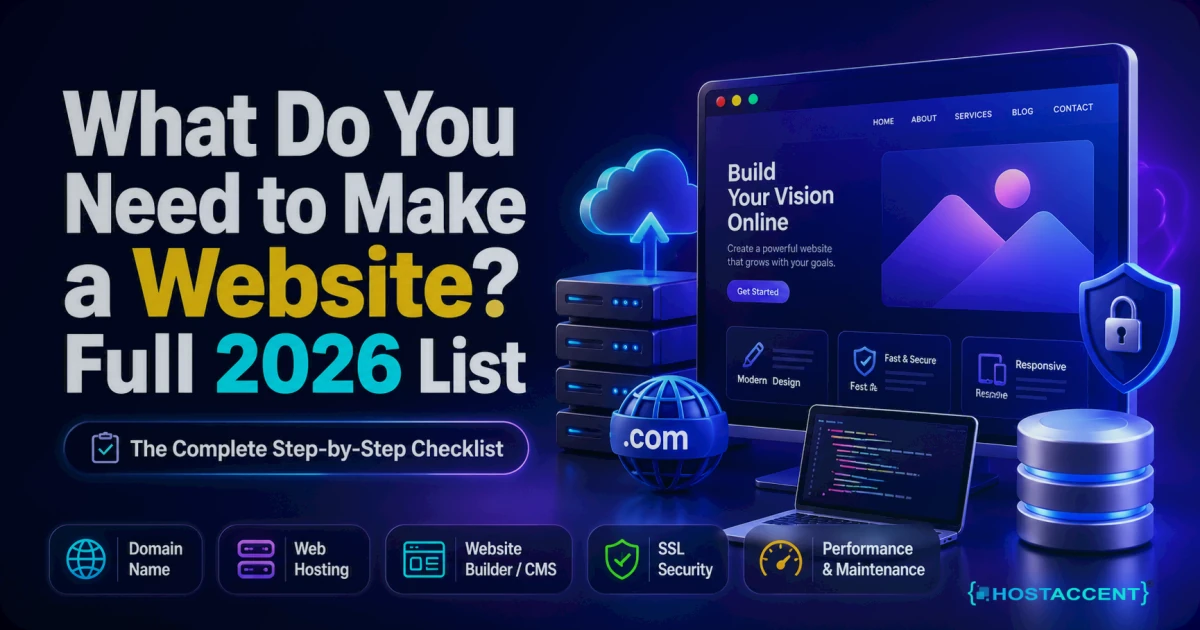
So, what do you need to make a website? Seven things: a domain name, web hosting, an SSL certificate, a way to build the pages (usually WordPress), your content, a professional email address, and a backup routine. That's the entire list. As of July 2026, a basic business site costs roughly $35–95 for the first year and takes anywhere from a weekend to a few weeks, depending on who builds it.
Below, we break down every item — what it does, what it honestly costs, and where beginners get stuck. One note on where this advice comes from: we run hosting infrastructure for a living. In the support tickets our team handles each week, the same first-timer mistakes appear over and over — paying for things they don't need, skipping things they do. A host like Hostaccent watches thousands of sites go live, so this list reflects what actually works, not what's easiest to sell you.
What Do You Need to Make a Website? The 7 Essentials
Here's what is needed to create a website, piece by piece. The things you need for a website haven't changed much in a decade — but the prices have. Skim the headings if you're in a hurry; the cost table further down puts the numbers together.
1. A Domain Name (Typically $10–15/yr)
Your domain is your address on the internet — the thing people type, like yourbusiness.com. You don't buy it outright; you register it yearly through a registrar. A .com typically runs $10–15/yr at honest registrars. Be careful with $0.99 first-year deals — many renew at triple the price.
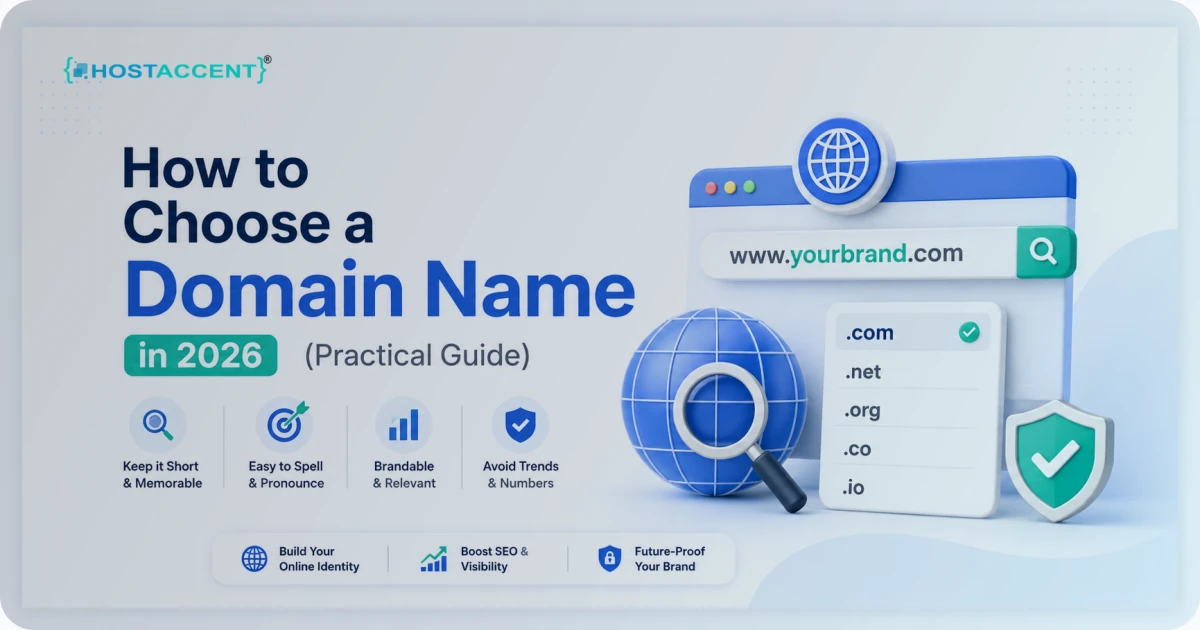
Picking the name itself is a bigger decision than most people expect. Our guide on how to choose a domain name walks through it, and if you're torn between extensions, .com vs .net vs .io settles that debate. You can check availability with a live domain search.
Pro Tip: Register the domain under your own account and your own name — even if someone else builds the site. In the ownership disputes we've helped untangle, the domain was almost always sitting in a freelancer's account, and getting it back can take weeks.
2. Web Hosting (From $1.99/month)
Hosting is the server — a computer that's online 24/7 — where your website's files actually live. No hosting, no website. For a first site, shared hosting is the right call: you rent a slice of a server instead of the whole machine, which keeps the price low.
Our Economy shared hosting plan starts at $1.99 for the per month renews at the standard rate (see the product page). One honest limitation: it's built for starter sites. A busy online store will outgrow it and should begin on the Standard plan at $4.58/mo instead.
Whatever host you pick, look for three things: NVMe SSD storage (several times faster than old spinning disks), a published 99.9% uptime commitment, and support answered by humans — because at 11pm on launch night, a chatbot won't cut it.
3. An SSL Certificate (Free — Yes, Free)
SSL is the padlock in your browser bar. It encrypts everything between your visitor and your server, and browsers now flag any site without it as "Not Secure." Google has also treated HTTPS as a ranking signal since 2014, so skipping it costs you twice.
Here's the part first-timers don't know: Let's Encrypt issues these certificates free of charge. They expire every 90 days, and any decent host renews them automatically so you never think about it. If someone quotes you $50/yr for a basic SSL certificate in 2026, walk away.
4. A Way to Build the Pages
You need software that turns text and images into actual web pages. For most first-timers, that's WordPress — the free, open-source content management system (CMS) that industry data puts at roughly 43% of all websites. It installs in one click from your hosting control panel, and its themes mean you never touch code.
Before choosing a plan, glance at the WordPress hosting requirements — mostly a current PHP version and a MySQL database, which any modern host meets. The alternative is hand-coding with HTML and CSS. Great skill, slow road for a business site.
5. Your Content
Text, images, a logo, your contact details. Plan five core pages: Home, About, Services, Contact, and one proof page — a portfolio, reviews, or a blog. In our experience, content is what delays most launches, not technology. Writing five pages that sound like you takes 1–2 weeks of evenings; the technical setup takes an afternoon.
Insider Insight: Compress every image before you upload it. A straight-from-phone 4MB photo will usually shrink below 200KB with no visible quality loss — and page speed shapes how both visitors and Google's performance guidelines judge your site.
6. A Professional Email Address
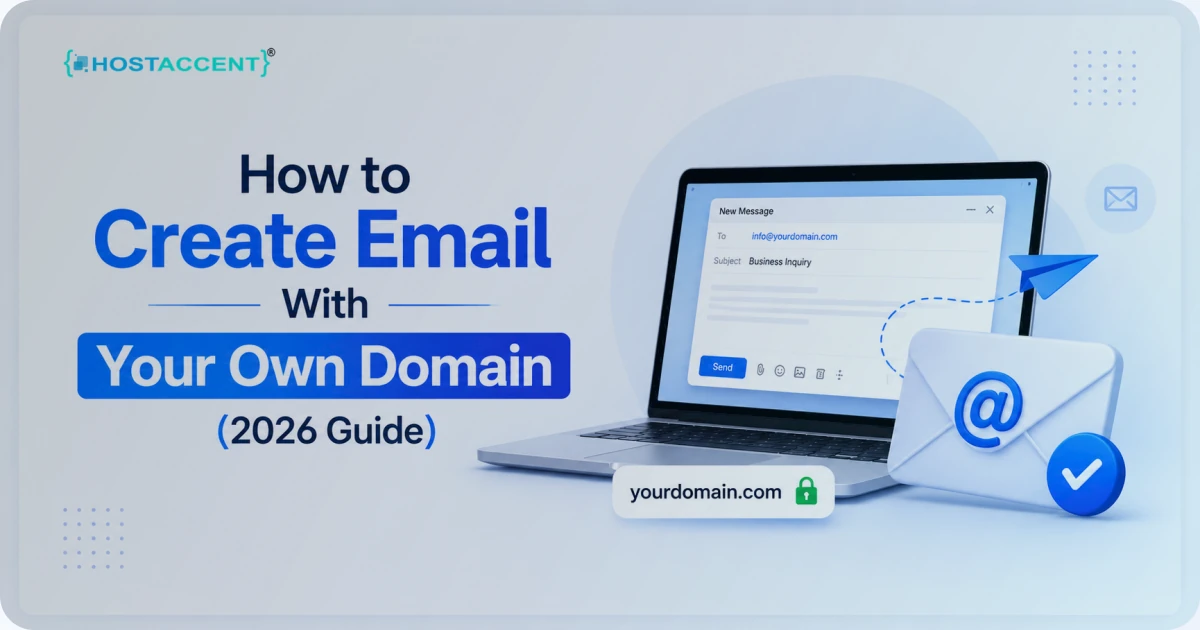
[email protected] wins trust that [email protected] never will. Once your domain and hosting exist, this costs nothing extra and takes about 10 minutes to set up — how to create email with your own domain shows the exact steps, including the DNS records that keep your messages out of spam folders.
7. Backups and Basic Security
The item every checklist forgets. The "my site disappeared" tickets we handle almost always trace back to one missing thing: a backup that was never switched on. You need automatic backups (daily is ideal, weekly is the minimum), software updates applied regularly, and a strong, unique password on your hosting account. Most of this can be automated on day one in under 15 minutes.
What It All Costs in 2026
Here are the requirements to build a website, in plain first-year dollars:
| Item | Typical First-Year Cost | Notes | |---|---|---| | Domain (.com) | $10–15/yr | Watch the renewal price before buying | | Shared hosting | $1.99–6.50/mo (~$24–78/yr) | Entry plan to top tier | | SSL certificate | $0 | Let's Encrypt, auto-renewed by your host | | WordPress (CMS) | $0 | Free and open source | | Theme / design | $0–60 one-off | Free themes are genuinely fine to start | | Your content | $0 + your time | The real cost is hours, not dollars |
Total: roughly $35–95 for year one if you do it yourself. For the deeper math — including what professionally built sites run — see how much a website costs in 2026.
Don't want to do any of this yourself? Hostaccent's team sets up the whole list — domain, hosting, SSL, and your live website — start to finish. Tell us what you need and we handle the rest. One message, zero technical work.
The DIY Path: What It Really Takes
Honest answer: a motivated beginner can absolutely do all of this alone. Budget 10–20 hours spread over 1–3 weeks, most of it writing content rather than wrestling technology.
The sequence looks like this: register the domain (15 minutes), buy hosting (10 minutes), point the domain's nameservers at your host (5 minutes, plus up to 24 hours for the change to spread worldwide), one-click install WordPress, pick a theme, write your pages. None of it requires code — though if you want to understand what's under the hood, MDN's free learning resources are the best place to start.
Where do beginners actually stall? Not the building. It's DNS — the system that connects your domain to your server. When a brand-new site "won't load," the cause is usually DNS still propagating, not anything you broke. Wait a few hours before panicking, and if the error mentions a domain that can't be found, our DNS error fix guide covers the usual suspects.
The Done-for-You Path: One Message, Zero Technical Work
Maybe you read the checklist above and felt your weekend evaporating. Fair. The done-for-you alternative is a full A-to-Z setup: domain registered in your name, hosting configured, SSL installed and auto-renewing, the website itself designed and published, professional email created, and backups running from day one.
When Hostaccent handles a setup like this, most single-site projects go live within a few business days of receiving your content — and the ongoing headaches (updates, errors, security patches) stay ours, not yours. We don't publish one flat price, because a 5-page brochure site and a 40-product store aren't the same job. Describe yours and you get a straight quote, no obligation.
DIY or Done-for-You? How to Decide
If you're genuinely torn between the two, we ran the numbers both ways — hours, dollars, and what typically stalls each route — in an honest time-and-cost comparison of building it yourself against hiring someone.
A simple rule that has served our customers well:
- Choose DIY if money is the tighter constraint, you enjoy learning tools, and your launch date is flexible. You'll spend under $95 and gain a skill.
- Choose done-for-you if your working hours are worth more than the 10–20 hours the build takes, you need a firm launch date, or the thought of DNS records makes your eye twitch.
One fair warning for each side. DIY sites often launch late because content writing drags — set a deadline. And a done-for-you build still needs you for the raw material: nobody else knows your business story, your photos, or your prices.
Get Your Website Built Start to Finish
Let's close the loop. What do you need to make a website? A domain, hosting, an SSL certificate, WordPress or another page builder, your content, a branded email address, and backups. Key takeaways:
- The essentials cost about $35–95 in year one — anyone quoting thousands for the basics is selling something else
- An SSL certificate should always be free in 2026
- Content, not technology, is the usual bottleneck — start writing early
- Register the domain in your own name, always
If that checklist reads like a to-do list you'll never get to, hand it over. Hostaccent sets up everything — domain registration, hosting, SSL, and your live, working website — and manages the updates, errors, and security afterwards so you never face a problem alone. Send us a short message describing your site, and we'll reply with exactly what's included and a straight quote.
FAQ: Making a Website for the First Time
What do you need to make a website as a complete beginner?
Four things to set up: a domain name ($10–15/yr), web hosting (from $1.99/mo)), a free SSL certificate, and free software like WordPress to build the pages. Add your content, a branded email address, and automatic backups, and the list is complete — no coding required.
How much does it cost to make a website in 2026?
Doing it yourself: roughly $35–95 for the first year, since the domain and hosting are the only required purchases — WordPress and SSL are free. Professionally built sites vary widely with page count and features, which is why a specific quote beats any flat price you see advertised.
Can I make a website without knowing how to code?
Yes. WordPress and similar tools generate all the code for you — industry data suggests roughly 43% of the web runs on WordPress, and most of those sites were built by non-developers using ready-made themes. Coding only becomes relevant for custom features a theme or plugin can't provide.
Do I need to buy the domain and hosting separately?
No. Most hosts register domains too, and keeping both in one account simplifies DNS setup, renewals, and support — one login, one bill. The only rule that matters: make sure the domain is registered in your name, so you own it no matter who manages the site.
How long does it take to get a website online?
The technical setup — domain, hosting, SSL, WordPress installation — takes under 2 hours for a beginner following a guide. Writing the pages is the slow part: plan 1–3 weeks for a DIY launch, or a few business days for a done-for-you build once your content is ready.
What if I don't want to do any of this myself?
That's exactly what a done-for-you setup is for. Hostaccent registers the domain, configures hosting and SSL, builds the site, and hands you a live, working website — you supply the business details and content, and the technical work is handled for you. One short support message starts the process.

Discussion
Have a question or tip about this topic? Share it below — your comment will appear after review.