
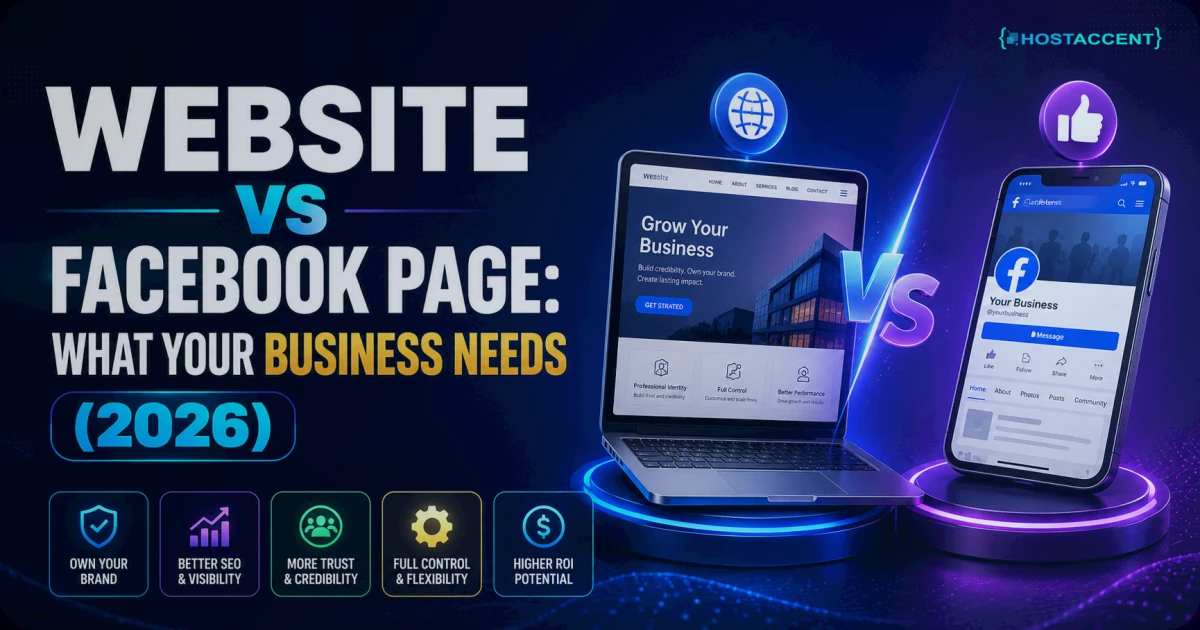
Quick Answer: In the website vs Facebook page debate, the honest answer is: a Facebook page is a free marketing channel, not a home. A website is the only online property your business actually owns. Industry data in 2026 shows the average Facebook page post reaches just 2-5% of its own followers organically. Use Facebook to meet people — use a website to keep them.
That's the short version. The long version matters, because the wrong choice costs real money and, in the worst case, your entire audience.
This guide breaks down what each option can and can't do, what a real website costs in 2026 (spoiler: less than most business owners think — hosting from a provider like Hostaccent starts at $1.99/yr), how long the DIY route actually takes, and a simple way to decide. No scare tactics. Some businesses genuinely can start with just a Facebook page — we'll tell you exactly which ones.
What a Facebook Page Does Well (and Where It Stops)
Let's be fair to Facebook first, because plenty of articles aren't.
A Facebook page is free, takes about 30 minutes to set up, and puts you in front of a platform with roughly 3 billion monthly active users. For a brand-new local business — a food stall, a home bakery, a one-person service — that's a genuinely useful starting point. You get messaging, reviews, event posts, and a comment section where customers already spend time.
Here's where it stops.
You don't control who sees your posts. Industry benchmarks for 2026 put average organic reach for a Facebook page at around 2-5% of followers per post. Build a following of 5,000 people, post an announcement, and something like 100-250 of them will actually see it — unless you pay to boost it.
You can't rank in Google properly. A Facebook page typically gets one search result — your page name. A website can rank dozens of pages for dozens of different searches ("emergency plumber near me", "wedding cake prices", "how much does X cost"). That search traffic never stops arriving, and you don't pay per click for it.
Every page looks the same. Your branding sits inside Facebook's layout, Facebook's colors, Facebook's rules. You can't add a booking system, a proper price list, a portfolio that loads the way you want, or a checkout — at least not on your terms.
Some of your customers aren't there. Visitors without a Facebook account hit friction immediately: login prompts, limited views, no Messenger access.
None of this makes a Facebook page useless. It makes it a channel. Channels are great. They're just a dangerous place to keep your entire business.
The Real Risk: You're Building on Rented Land
This is the part most business owners only understand after something goes wrong.
When your only online presence is a Facebook page, your business lives on rented land. Facebook owns the property, writes the rules, and can change them — or lock the door — without asking you. Marketers have called social platforms "rented" for years, and the description is accurate: you don't own the page, the audience data, or the terms.
In the support tickets our team handles, we regularly hear from business owners in exactly this situation: a page restricted by an automated system, an account locked out of Meta Business Suite, or years of followers made invisible by an algorithm change. Recovering a restricted page can take weeks — and there's no support number to call. Meanwhile, a customer searching for you finds nothing.
Compare that with a website on your own domain:
| Factor | Your Own Website | Facebook Page | |---|---|---| | Ownership | You own domain + content | Platform owns everything | | Reach per post | 100% of visitors see your pages | ~2-5% of followers see a post | | Google visibility | Unlimited pages can rank | Usually 1 search result | | Design & features | Full control (booking, shop, blog) | Fixed template, platform rules | | Customer data | Yours (email list, analytics) | Meta's | | Can it vanish overnight? | No — you hold the keys | Yes — restriction or ban | | Cost | From ~$12-17/yr total | Free (but ads to be seen) |
One line from that table is worth repeating: an email list collected on your website belongs to you forever. Followers belong to Meta.
Don't want to set any of this up yourself? Hostaccent's team handles everything — domain, hosting, SSL, and your live website — start to finish. Tell us what your business needs and we'll take it from there. One message, zero technical work.
What a Website Actually Costs in 2026
Here's the part that surprises people: the "expensive" option is cheaper than one boosted Facebook post per month.
A basic business website has three ingredients:
1. A domain name — your address, like yourbusiness.com. A .com typically runs $10-15/yr at honest registrars (check live domain pricing here). Not sure which extension to pick? Our guide to .com vs .net vs .io: Which Domain Extension Wins 2026 settles it in five minutes.
2. Hosting — the server your site lives on. Entry-level shared hosting is genuinely cheap now: the Economy shared hosting plan runs $1.99/yr, with Standard at $4.58/mo and Ultimate at $6.50/mo if you outgrow it. All three run on NVMe SSD storage behind a Cloudflare CDN, which is a fancy way of saying "your pages load fast worldwide."
3. An SSL certificate — the padlock in the browser that encrypts visitor data. Thanks to Let's Encrypt, a nonprofit certificate authority, SSL is free and included with any decent hosting plan. If a provider charges extra for basic SSL in 2026, walk away.
Total for year one: roughly $12-17 if you build it yourself. That's the honest number. Design help, premium themes, or a done-for-you setup add cost on top — we break every scenario down in How Much Does a Website Cost in 2026? Full Breakdown.
Pro Tip: Whatever you do, register the domain in your own name and account — never let a designer or agency register it for you under theirs. In our experience handling migration requests, the single messiest situation is a business owner who discovers, years later, that someone else legally controls their domain.
The DIY Path: What Building It Yourself Truly Takes
We promised honesty, so here's the unvarnished DIY breakdown. Plenty of readers can do this — and if that's you, this section is all you need.
Step 1 — Pick and register a domain (30-60 minutes). Short, memorable, matches your business name. Our How to Choose a Domain Name in 2026 (Practical Guide) covers the traps.
Step 2 — Buy hosting and connect the domain (1-2 hours). You'll point your domain's DNS — the internet's address book — at your hosting server. DNS changes can take up to 24-48 hours to spread worldwide, though most finish within an hour or two.
Step 3 — Install WordPress (15 minutes). WordPress powers roughly 43% of all websites, it's free, and most hosts install it in one click. The official WordPress documentation is genuinely good. Check the WordPress Hosting Requirements: PHP, MySQL & Memory (2026) first so your plan matches — any modern host clears the bar easily.
Step 4 — Pick a theme and build 4-5 pages (1-3 weeks, part-time). Home, About, Services/Products, Contact, and ideally one page per main service. This is where DIY time really goes: writing, choosing photos, and fiddling until it looks right. Google's web.dev resources explain what makes a site fast and usable if you want to go deeper.
Step 5 — Set up business email (30 minutes). [email protected] instead of a generic address — it's a small change that makes quotes and invoices look instantly more credible. Here's How to Create Email With Own Domain (2026 Guide).
Realistic total: 8-20 hours of your time over 2-4 weeks, plus that ~$12-17/yr in costs. The skill required is "comfortable following tutorials", not "programmer". The hidden cost is ongoing: updates, backups, and the occasional error message. Manageable — but it's your Saturday, not ours to spend.
Insider Insight: The step that generates the most first-week support tickets isn't building the site — it's DNS. If your new site won't load and you changed nameservers today, wait before touching anything else; propagation delay looks identical to a real error.
The Done-for-You Path: A-to-Z Setup Explained
Now the other route — the one for owners who'd rather spend those 8-20 hours running the business.
A full done-for-you setup means one conversation, then a working website. Here's what "everything" includes when Hostaccent handles it:
- Domain registration in your name, on your account — you own it from day one.
- Hosting configured on the plan that fits your site, with backups running.
- SSL installed and forced — every visitor gets the padlock automatically.
- Your website built and published — pages, content placement, mobile-friendly layout, contact form connected to your new business email.
- Ongoing care — because the relationship doesn't end at launch. Updates, security patches, and "help, something broke" moments land on our desk, not yours. Across the sites we host, the most common self-managed failure we clean up is a site that hasn't been updated in a year.
The honest trade-off: done-for-you costs more than $17/yr, and if you enjoy tinkering, you'll miss the learning. We don't publish a single flat price because a five-page brochure site and a 40-product shop aren't the same job — you describe what you need, we quote it, no obligation.
To be clear about who shouldn't buy this: if you have the time, enjoy learning, and your needs are simple, do the DIY steps above. You'll be fine, and you'll know your site inside out.
How to Decide: Website vs Facebook Page
Skip the agonizing. The classic Facebook page vs website for small business dilemma comes down to a short checklist:
Start with just a Facebook page if: you're testing a brand-new idea, you have literally zero budget, your customers are hyper-local, and losing the page tomorrow wouldn't sink you. Even then, treat it as temporary.
Get a website (and keep the Facebook page) if any of these are true:
- Customers pay you online, or research you before paying offline
- You want to appear in Google searches for what you sell
- You collect leads, bookings, or an email list
- Losing your page overnight would seriously hurt revenue
- You've been in business more than 12 months
Notice that's not really "either/or". The winning 2026 setup is both, with clear roles: the website is home base — the thing you own — and the Facebook page is a signpost pointing at it. Post on Facebook to spark attention; convert on your site, where 100% of visitors see what you show them and every email captured is yours to keep.
Ready for a Website Without the Technical Work?
If this article's DIY section made you tired just reading it, that's useful information too.
Hostaccent sets up the whole thing — domain registration, hosting, SSL, and a live, working website — from a single message. You tell us about your business; we handle every technical step and hand you the keys (real ownership, in your name). And when something needs updating or breaks at 9pm, our UK-based human support deals with it so you're never staring at an error alone.
Tell us what you need — get a free, no-pressure quote. One message, zero technical work — and the website vs Facebook page question is settled the right way: own your home, rent your reach.
FAQ: Website vs Facebook Page
Is a Facebook page enough for business in 2026?
For a brand-new, hyper-local, zero-budget business — temporarily, yes. For anyone else, no. With organic reach at roughly 2-5% of followers, no Google rankings beyond one result, and the risk of overnight restriction, a page works best as a marketing channel pointing to a website you own.
Do I need a website if I have Facebook?
Yes, if your business depends on being found and trusted online. A website ranks in Google for many searches, works for people without Facebook accounts, and can't be taken away by a platform policy change. Your Facebook page then becomes a traffic source feeding your site, not your only storefront.
Website vs Facebook page: which should a new business set up first?
If budget allows both, register the domain first — even before the Facebook page — so nobody else takes your name. The domain costs $10-15/yr and secures your brand. Then launch the Facebook page for quick visibility while the website is being built over the following weeks.
How much does a basic business website cost per year?
Around $12-17/yr if you build it yourself: a .com domain at $10-15/yr plus entry-level hosting from $1.99/yr, with SSL included free. Professional design or a done-for-you setup costs more up front, but hosting and domain renewal remain the only fixed yearly costs.
Can a Facebook page rank on Google like a website?
Barely. Google usually shows a single result for a page — its name. A website can rank separate pages for dozens of different search terms your customers type, from product names to "near me" searches, bringing in free traffic month after month without ad spend.
What happens to my business if Facebook restricts my page?
Your online presence disappears until Meta's automated review process finishes, which can take days or weeks with no phone support. Customers searching for you find nothing, and you can't contact your followers. This is the core risk of building only on a platform you don't own.
Do I still need a Facebook page after building a website?
Keep it — the two work together. Use the page for updates, community, and local reach, and point everything back to your website, where you control the design, capture emails, and convert visitors. The page markets; the website owns. That combination beats either one alone.
How long does it take to get a website live?
DIY: typically 2-4 weeks part-time, including 8-20 hours of hands-on work. A done-for-you setup from Hostaccent is usually live within a few business days once you've supplied your business details and content, since domain, hosting, SSL, and publishing happen in one coordinated process.

Discussion
Have a question or tip about this topic? Share it below — your comment will appear after review.