
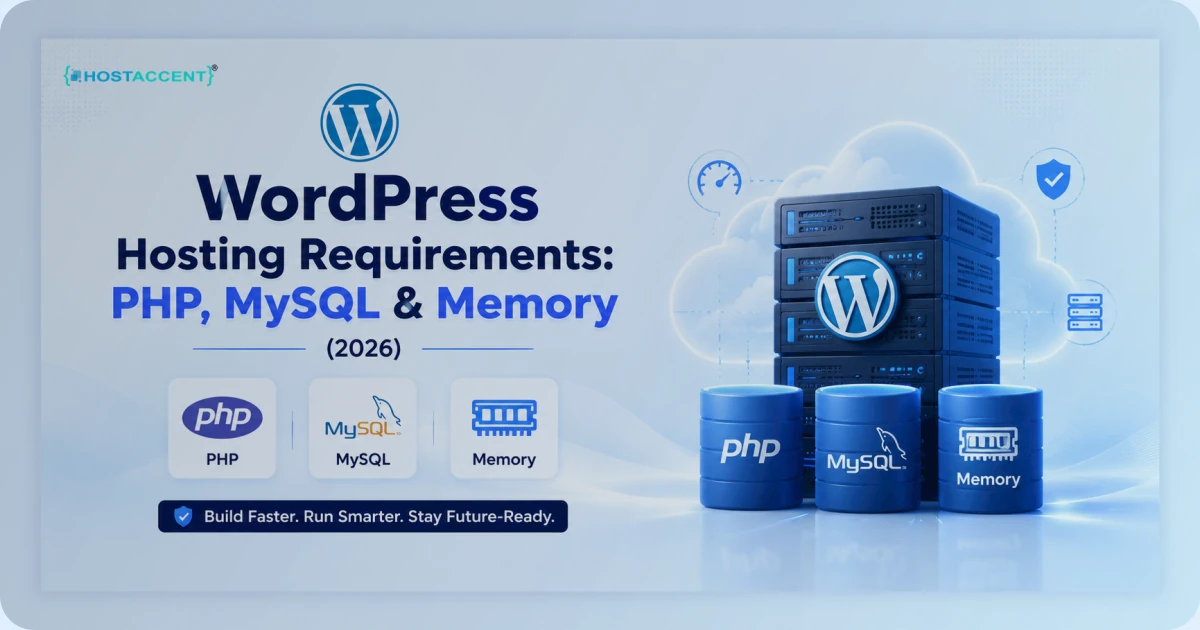
Quick Answer: The official WordPress.org requirements for 2026 are PHP 8.3 or greater, a MySQL 8.0+ or MariaDB 10.6+ database, and HTTPS — now required for every install. Add a web server (Nginx or Apache with mod_rewrite) and a PHP
memory_limitof at least 256MB. Older versions still run, but they're past end-of-life and a real security risk.
Your site loaded fine yesterday, so the hosting must be fine — right? That single assumption is how WordPress sites end up running unpatched PHP from 2022. Knowing your wordpress hosting requirements isn't sysadmin busywork. It's the line between a site that shrugs off a traffic spike and one that flashes a white screen at the worst possible moment.
This guide explains every requirement in plain English: the PHP version, the database, memory limits, and the server settings that actually matter. You'll get the official minimums, the numbers you should really plan around, and the mistakes we see week after week. No filler, no upsell dressed up as advice.
What "WordPress Hosting Requirements" Actually Means
When someone searches for wordpress hosting requirements, they're usually after one of two things: a checklist to hand their host, or reassurance that their current plan won't fall over. Both come down to the same foundation.
WordPress is software written in PHP that stores everything — posts, settings, users — in a MySQL-compatible database. So the requirements boil down to three questions. Can your server run modern PHP? Can it run a current database? Can it serve pages over HTTPS? Everything else — RAM, CPU, NVMe storage, caching — decides how well it runs, not whether it runs.
Here's the trap. There's a hard technical minimum, the absolute floor where WordPress will install, and there's the recommended baseline, what a real site needs in production. The gap between "it installs" and "it performs" is where every hosting decision lives. Most providers quote the floor. A host like Hostaccent plans for the baseline — because the floor is what gets people into trouble six months later.
Pro Tip: You don't need server access to check your setup. In wp-admin, open Tools → Site Health → Info, then expand the Server and Database panels. Your exact PHP version, database version, and memory limit are all sitting right there, no SSH required.
The Official WordPress Server Requirements for 2026
As of the WordPress.org requirements page — last revised in May 2026, alongside the WordPress 7.0 "Armstrong" release — here are the official wordpress server requirements, straight from the project itself:
| Component | Hard minimum (don't) | Recommended (plan for this) |
|---|---|---|
| PHP | 7.4 — end-of-life | PHP 8.3 (8.2 is fine) |
| Database | MySQL 5.5.5 / MariaDB 10.4 | MySQL 8.0+ / MariaDB 10.6+ |
| Web server | Anything running PHP + MySQL | Nginx or Apache with mod_rewrite |
| HTTPS | Required for every install | Required, valid SSL |
| PHP memory_limit | 64MB | 256MB or higher |
Source: the official WordPress.org requirements page, which states PHP "version 8.3 or greater," "MariaDB 10.6+ or MySQL 8.0+," and HTTPS "required for every install" as the safe, modern baseline.
Let's be honest about that left column. Every version in it will technically run WordPress, and every version in it is past official end-of-life. We wouldn't deploy a site on any of them, and neither should you. The official WordPress requirements page is updated each release cycle — bookmark it and glance at it once a year.
WordPress 7.0, released in May 2026, quietly raised expectations. Support for PHP 7.2 and 7.3 is gone, which leaves PHP 7.4 as the bare technical minimum and pushes MySQL 8.0 toward becoming the practical database floor for any maintained site. These wordpress server requirements aren't arbitrary — they track the versions still receiving security patches, nothing more.
One line in that table people skim past is HTTPS. It isn't optional anymore. WordPress assumes an encrypted connection, browsers flag sites without one, and several core features simply expect SSL to be present. A valid certificate — and free ones from Let's Encrypt are perfectly fine — should ship standard with any modern plan. If a host charges extra for basic SSL in 2026, treat that as a quiet warning about how they price everything else.
PHP Version for WordPress: The Number That Matters Most
If you change one thing about your hosting today, make it this. The right php version for wordpress isn't "the newest available" — it's the most recent stable, fully supported release.
In mid-2026, that's PHP 8.3. It's actively maintained, fully compatible with WordPress core, and benchmarks put it at roughly 14–20% more requests per second than PHP 7.4 on WordPress workloads. WooCommerce stores see even larger gains — around 23% higher throughput on product pages. Those aren't rounding errors. That's real headroom under load.
Here's the support timeline that should drive your decision:
- PHP 8.1 — end-of-life since December 2025. Get off it.
- PHP 8.2 — security fixes only through December 2026. Safe for now.
- PHP 8.3 — actively supported; the 2026 sweet spot.
- PHP 8.4 / 8.5 — supported and now fully WordPress-compatible, but most production sites don't need to rush ahead.
Running end-of-life PHP isn't a saving. It's an unlocked door. The day a public PHP 7.4 exploit lands, automated bots scan for every server still on it. The PHP project's supported-versions page shows precisely which releases still get patched, so you can check yours against reality instead of hoping.
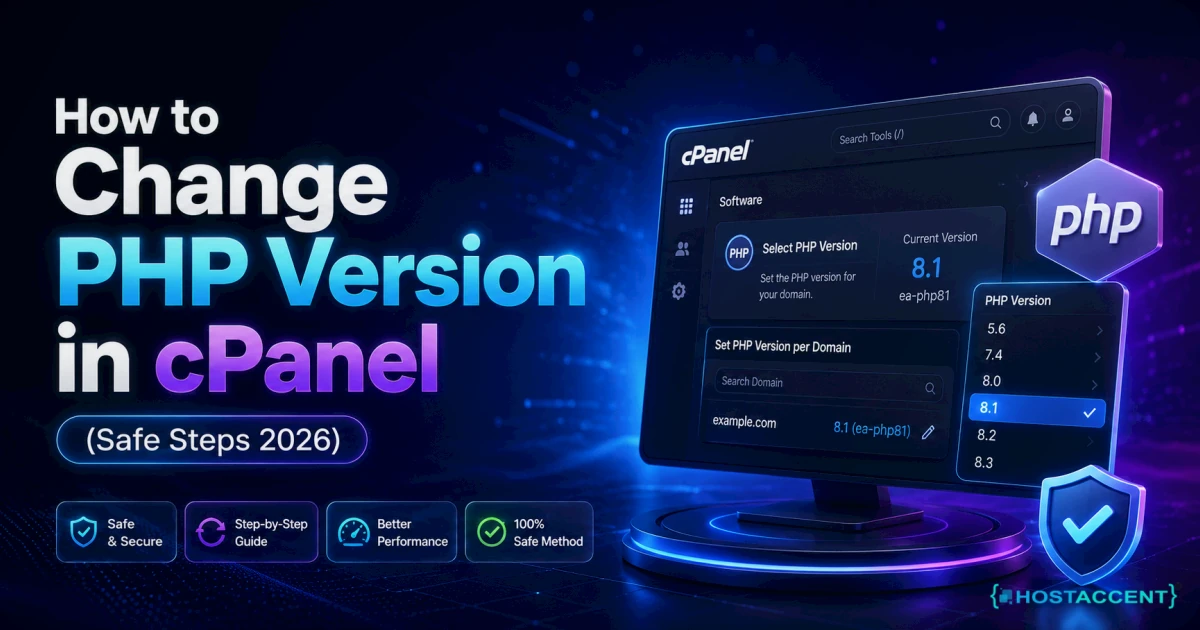
One reassurance on the php version for wordpress question we field constantly: changing versions is a control-panel toggle, not a migration. On our own stack, Hostaccent lets you switch PHP per site in seconds — and if a host won't let you change it, that tells you plenty about how they're run. When an aging PHP build is dragging a site down, our guide on how to fix a slow WordPress site walks through diagnosing it in about half an hour.
Database Requirements: MySQL and MariaDB
WordPress runs everything through its database — posts, settings, users, comments, and every revision you've ever saved. Meeting the database side of your wordpress hosting requirements means MySQL 8.0+ or MariaDB 10.6+.
Why does the version matter so much? MySQL 8.0 is far quicker than 5.7 for the queries WordPress actually runs, with better indexing and JSON support. MariaDB 10.6+ keeps pace, which is why plenty of hosts run it by default. The right php version for wordpress paired with an out-of-date database is a half-finished upgrade — you've fixed one bottleneck and left the other in place.
There's one setting worth knowing by name: innodb_buffer_pool_size. It controls how much memory the database keeps for caching table data, and on a busy site it matters as much as the version number. It's a server-level tweak, so most people rely on their host to size it sensibly rather than touching it themselves.
Backups belong in this conversation too. A database is only as safe as your most recent copy of it, so confirm your host runs automated daily backups you can actually restore from — not ones that merely exist in theory. We keep automated daily backups on every plan and test restores regularly, because a backup you've never restored is a guess, not a safety net.
Insider Insight: In the tickets we handle, "my site is slow" turns out to be a database problem far more often than a PHP one — usually a bloated
wp_optionstable stuffed with expired transients, or an unindexed plugin table. Upgrading PHP won't touch that. Cleaning the database will.
Memory, RAM, and Storage: Sizing for Real Traffic
The official checklist stops at PHP, database, and HTTPS. But the resource side of your wordpress hosting requirements is where performance is genuinely won or lost, and it's the part most spec sheets skip.
Memory limit. Set PHP memory_limit to at least 256MB. WordPress defaults to a thrifty 40MB for front-end requests and 256MB for admin work — but page builders, WooCommerce, and a stack of active plugins burn through the lower figure fast.
RAM and CPU. A standard business site runs comfortably on about 2GB of RAM. WooCommerce stores, membership sites, and heavy page builders want more — plan on 4GB and 4 CPU cores once traffic and concurrent admin activity climb. We break the math down in how much RAM and CPU for WordPress VPS.
Storage. NVMe SSD is the baseline now, not a luxury. Spinning disks and older SATA SSDs add latency to every query and page build. If a host still advertises plain "SSD" in 2026 without saying NVMe, ask why. Hostaccent's WordPress plans run on NVMe across the board for exactly this reason.
Pro Tip: Treat
memory_limitas a symptom checker, not a cure. If raising it fixes a problem that then comes back, the real culprit is almost always a plugin leaking memory. Chase the plugin, not the number.
When a host caps these resources and offers no workable upgrade path, compare plans using the high-traffic WordPress hosting guide and the WordPress VPS sizing guide. Match the plan to concurrent uncached work, not only monthly visit estimates.
Common WordPress Hosting Requirements Mistakes to Avoid
Most WordPress problems we see don't come from breaking the rules. They come from meeting the bare minimum and assuming that's enough. A few patterns repeat:
- Staying on end-of-life PHP "because it still works." It works right up until it doesn't. EOL software is a security exposure, not a cost saving.
- Ignoring the database version. Teams upgrade PHP, feel good, and leave MySQL 5.7 in place — leaving half the performance on the table.
- Skipping
max_input_varsbefore bulk imports. Import 5,000 WooCommerce products with the default and PHP silently drops a chunk of them, no error shown. - Treating "SSD" and "NVMe" as the same thing. They aren't, and the difference shows up in every query and page build.
- Buying on headline price alone. Renewal pricing, not the intro rate, is the number that matters over three years.
Pro Tip: Before any large import or menu edit, raise
max_input_varsto 5000 or higher. Exceed it and PHP truncates POST data quietly, so WordPress saves a partial menu or a half-imported product list with zero warning on screen.
Caching and a CDN sit just outside the formal requirements, but they belong in the same conversation. A well-configured cache means most visitors never trigger PHP at all — Cloudflare's primer on what caching is explains the mechanics clearly. And if you're chasing performance scores, web.dev's guidance on Core Web Vitals is the standard reference worth keeping open.
WordPress Hosting Requirements Checklist (Copy-Paste)
Use this as the list to hand a host, or to audit your current plan in five minutes. If a provider can't tick every line, you've found your answer.
- PHP 8.3 available and switchable per site (8.2 acceptable; never 8.1 or older)
- MySQL 8.0+ or MariaDB 10.6+ for the database
- PHP
memory_limitof 256MB or higher - NVMe SSD storage — explicitly NVMe, not generic "SSD"
- Free, auto-renewing SSL (Let's Encrypt) included, not an upsell
- Nginx or Apache with
mod_rewritefor clean permalinks max_input_vars≥ 5000 for bulk imports and large menus- Automated daily backups with tested, one-click restores
- HTTP/2 or HTTP/3 and server-level caching (OPcache, ideally Redis available)
- Control-panel PHP switching so you can upgrade without a support ticket
Choosing a Host That Already Meets the Requirements
Here's the shortcut. Instead of auditing a host line by line, pick one that treats every item above as a default rather than an upsell. Modern PHP, a current database, NVMe storage, free SSL, and a control panel that lets you change the PHP version — those should be table stakes, not premium add-ons hidden behind a higher tier.
That's the bar we built Hostaccent WordPress hosting around: PHP 8.3, MariaDB 10.6, NVMe SSDs, Cloudflare in front of Nginx and Apache, free SSL, and UK-based support that actually answers. Plans start at $22.99/yr for Basic, so meeting every requirement on this page doesn't mean paying enterprise rates. If you'd rather never think about wordpress hosting requirements again, that's the entire point of a managed plan — the host keeps the numbers current so you don't have to.
Frequently Asked Questions
What are the official WordPress requirements according to WordPress.org?
The official WordPress.org requirements page currently lists PHP version 8.3 or greater, a MariaDB 10.6+ or MySQL 8.0+ database, and HTTPS for every install. Apache or Nginx is recommended as the web server, though any server that runs PHP and MySQL technically works. These figures are the project's "safe, modern baseline" — not the absolute floor WordPress will install on.
What are the minimum WordPress hosting requirements in 2026?
At an absolute minimum, WordPress needs PHP 7.4, a MySQL 5.5.5 or MariaDB 10.4 database, and HTTPS. But those are end-of-life floors. In practice, plan for PHP 8.3, MySQL 8.0+ or MariaDB 10.6+, and 256MB of PHP memory — the baseline a real, secure site actually needs.
Which PHP version should I use for WordPress?
Use PHP 8.3 if your host offers it. It's actively supported through 2026, fully WordPress-compatible, and noticeably faster than older builds — roughly 14–20% more requests per second than PHP 7.4. PHP 8.2 is an acceptable fallback. Avoid anything 8.1 or older, since it's past end-of-life.
How much memory does WordPress need?
Set PHP memory_limit to at least 256MB. WordPress itself defaults to 40MB for front-end pages and 256MB for admin tasks, but page builders, WooCommerce, and multiple plugins push past that quickly. For the server itself, 2GB of RAM suits most business sites, while busy stores want 4GB and 4 CPU cores.
Do I need a VPS to meet WordPress hosting requirements?
Not necessarily. A quality shared or managed plan with modern PHP, a current database, and NVMe storage meets the wordpress hosting requirements most sites have. A VPS makes sense once you need guaranteed CPU and RAM — high-traffic sites, large WooCommerce stores, or several sites running on one server.
Is MySQL or MariaDB better for WordPress?
Both work equally well, and WordPress supports them interchangeably. MariaDB 10.6+ is a drop-in replacement for MySQL and is what many hosts run by default. The version matters far more than the choice — MySQL 8.0 or MariaDB 10.6+ both deliver the performance and security a modern site needs.
Will my site break if I'm on old PHP or MySQL?
Probably not immediately, and that's the danger. It keeps running while quietly missing security patches and performance gains. Old PHP is the bigger risk, since the first public exploit turns an unpatched server into a target. Upgrading is usually a control-panel toggle, and a managed plan like Hostaccent's keeps these wordpress hosting requirements current for you automatically.


Discussion
Have a question or tip about this topic? Share it below — your comment will appear after review.