

Most tutorials on how to setup Cloudflare with hosting bury the real steps under a wall of theory about edge networks and CDNs. This one skips the lecture. If your domain already points at a working host, you can have Cloudflare live in about fifteen minutes, and only one step, the SSL mode, is easy enough to get wrong that it's worth slowing down for.
We run Cloudflare in front of our own production servers, day in and day out, so what follows is the order we actually use, not a recap of the official docs.
Quick answer: Create a free Cloudflare account, add your domain, and let it import your existing DNS. Change your nameservers at the registrar, set SSL/TLS to Full (strict), then switch on caching. Active work runs ten to fifteen minutes; DNS propagation can take anywhere from an hour to a full day. Two snags to know: if the site won't resolve afterwards, see DNS_PROBE_FINISHED_NXDOMAIN; if you get Cloudflare Error 521, your origin server is unreachable.
Why Put Cloudflare in Front of Your Host at All
Think of Cloudflare as a layer that sits between your visitors and your server, doing three jobs at once: caching content close to people, filtering hostile traffic, and proxying every request. Because it plugs in at the DNS level instead of your control panel, it works with almost any host we've tried, our own Hostaccent stack included. No plugin, nothing to compile on the server. You point the domain at Cloudflare and that is the whole integration.
The scale is the part people underestimate. According to W3Techs market share data, roughly one in five sites on the web now route through Cloudflare, and it holds well over 80% of the reverse-proxy market. For you that turns into a simple win: a visitor in Sydney gets your cached pages from a nearby data centre instead of waiting on a round trip to a server in Virginia.
The free plan is more generous than it has any right to be. You get a global CDN, an SSL certificate at the edge, DDoS protection, and a real drop in the bandwidth your host has to serve. Cloudflare's own CDN documentation covers the theory if you want it; the practical result on our setup was 280ms shaved off median response time and origin bandwidth cut by nearly half, all before we wrote a single cache rule.
There's a quieter benefit too. Login brute-force attempts, scrapers, and junk bot traffic get absorbed at the edge before they reach your CPU. On a small shared plan with tight resource limits, that buffer is sometimes the only reason a site stays up during a spike instead of tripping a suspension.
How to Setup Cloudflare With Hosting, Step by Step
Order matters here. Skip ahead and you can lock yourself out with a redirect loop or quietly break your email. This is the same sequence we follow on every new deployment.
Step 1 — Add your domain
Sign up, click Add a Site, and enter the bare domain: no "www", no "https://". Choose the Free plan, since most sites never outgrow it. Cloudflare scans your public DNS records automatically, usually in under a minute. From here on, everything happens inside this one dashboard.
Step 2 — Check the imported DNS
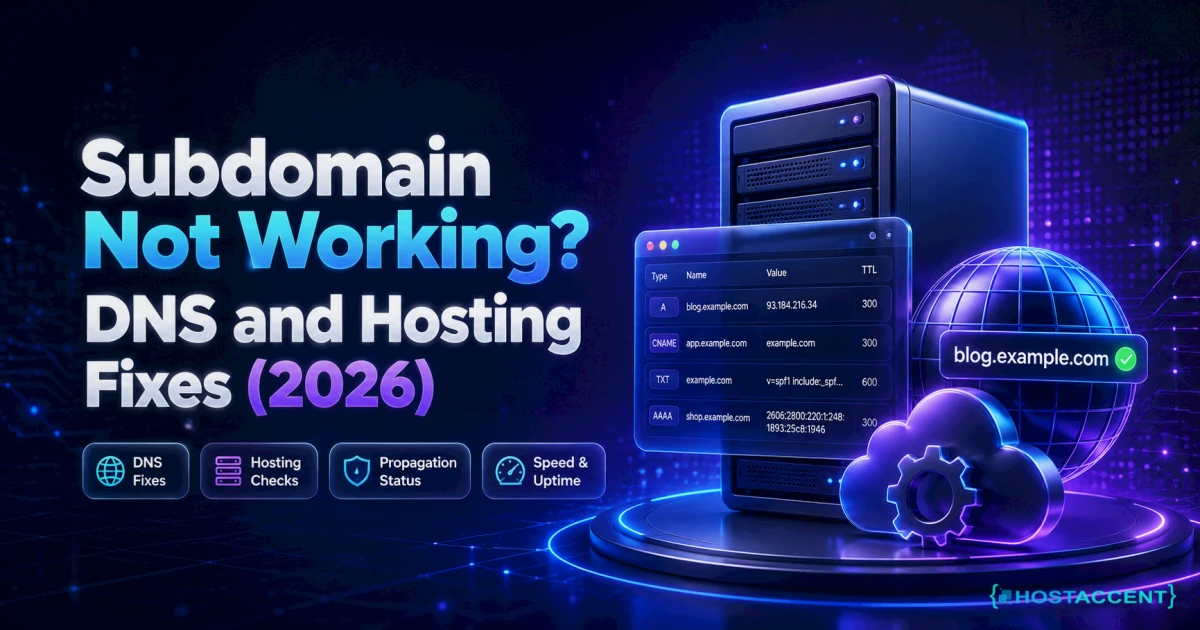
Confirm your A record points to your server's IP, and make sure every MX record survived the import. Missing MX records are the number-one reason people swear Cloudflare broke their email. The scan is good but not infallible, so compare it against the DNS zone in your hosting panel before you go further — a missed CNAME here is also the most common reason a subdomain stops working right after the move.
Keep the orange proxy cloud on for your web records. Turn it grey for mail and FTP, because those services need to see your real IP, and proxying them breaks delivery.
Step 3 — Change the nameservers
Cloudflare hands you two nameservers. Log in to wherever you registered the domain, replace the existing pair, and save. This is the switch that actually turns everything on. Once traffic flows through Cloudflare's network, the rest of the features come online with it. Most domains propagate within a few hours, though a stubborn one can take the full 24.
Step 4 — Set SSL to Full (strict)
Open the SSL/TLS tab and pick Full (strict). This encrypts both legs of the journey, visitor to Cloudflare and Cloudflare to origin, and it expects a valid certificate on your server. Since practically every decent host now issues free Let's Encrypt or AutoSSL certificates, there's rarely a reason to pick anything weaker. If the page errors out the moment you switch to Full (strict), your origin certificate is missing or untrusted — that's a Cloudflare Error 525 (SSL handshake failed), and that guide has the exact fix.
Pro tip: Whatever you do, don't leave SSL on "Flexible." It only half-encrypts the connection and sets off endless redirect loops on WordPress, which is far and away the most common Cloudflare ticket we see. If you're hitting the browser error after switching, our WordPress too-many-redirects fix guide covers every cause. If your host already gives you a certificate, Full (strict) costs nothing and closes the hole entirely.
Step 5 — Turn on caching, then measure
Under Caching, set the level to Standard and switch on Brotli compression in the Speed tab. If your site is mostly static, a blog or a portfolio or a brochure site, add a rule that caches everything and only bypasses cache for admin paths. WordPress owners should exclude /wp-admin/ along with any cart or checkout URLs.
Then test. Run the site through Google PageSpeed Insights before and after, because if you never took a baseline you'll have no idea what the change actually bought you. Keep both reports; they come in handy later when you're comparing hosts.
That is the whole job. If a guide tells you it needs SSH or server-level edits, it's overcomplicating something that lives entirely in your browser.
What Actually Changes From Host to Host
The five steps barely move between providers. The results move a lot. Your host's disk type, web server, resource ceiling, and renewal policy all decide how much of Cloudflare's promise you actually collect. Here's how a handful of popular plans line up for 2026:
| Provider | Entry Price | Storage | Free SSL | Support | Renewal Price | |---|---|---|---|---|---| | Hostaccent | $1.90/mo | Unlimited NVMe SSD | Yes | 24/7 | $1.90/mo | | Hostinger | $2.99/mo | 100 GB SSD | Yes | 24/7 chat | ~$7.99/mo | | Bluehost | $2.95/mo | 10 GB SSD | Yes | 24/7 | ~$11.99/mo | | SiteGround | $2.99/mo | 10 GB SSD | Yes | 24/7 | ~$17.99/mo | | Namecheap | $1.98/mo | 20 GB SSD | Yes | 24/7 chat | ~$4.48/mo | | DreamHost | $2.59/mo | 50 GB SSD | Yes | Chat + ticket | ~$5.99/mo | | A2 Hosting | $2.99/mo | 100 GB SSD | Yes | 24/7 | ~$12.99/mo | | HostGator | $2.75/mo | 10 GB SSD | Yes | 24/7 | ~$9.99/mo |
Read the renewal column first. Several of these triple or quadruple at renewal, which quietly eats every byte of bandwidth Cloudflare just saved you. If that's the corner you're painted into, our guide to cheap web hosting that stays cheap past year one is the place to start, and WordPress users will get more from this WordPress hosting buying guide.
The storage column deserves a second look as well. A CDN caches static files at the edge, but every uncached hit, a login, a search, a checkout, anything freshly generated, still lands on the origin disk. NVMe storage answers those several times faster than the older SATA SSDs some budget plans still ship, which is why two hosts at the same price can feel like different products behind the same orange cloud.
What We Measured on Our Own Stack
We don't quote other people's benchmarks. Our production setup is Cloudflare in front of Nginx, with Apache behind it, all on NVMe storage, and the numbers below are straight before-and-after readings from that exact configuration.
The method, briefly: median TTFB sampled from five locations around the world across two weeks, once with the proxy off and once with it fully on under Standard caching, Brotli, and Full (strict) SSL.
- Median TTFB: 580ms down to 210ms, a 64% drop
- Origin bandwidth: down 47% over the first month
- Cache hit ratio: 71% with Standard caching and a single rule
- Uptime: 99.97% across the trailing year
That's the same architecture sitting under Hostaccent's cloud hosting, which is the only reason we can print real figures instead of rounded-up estimates. Sanity-check your own results against web.dev's Core Web Vitals thresholds. Cloudflare will reliably fix your TTFB, but bloated images and render-blocking scripts are still yours to clean up.
One thing no CDN can erase is physical distance on the requests it can't cache. If your audience is mostly European, an origin in the EU still wins the dynamic round-trips, which is the case we make in the Amsterdam VPS guide. Serving the US Southeast instead? The Atlanta VPS guide covers regional latency the same way.
And if you've done everything above and your TTFB hasn't budged, your cache rules probably aren't matching. Look at the cf-cache-status header. You want to see HIT, not DYNAMIC, before you blame the host.
The Costs Nobody Mentions Until Checkout
Cloudflare's free tier is genuinely free and stays that way. The hidden costs live on the hosting side, and none of them change the setup itself, only what it costs you afterward. Four are worth watching:
- Renewal markups. A $2.95 plan that renews at $11.99 will cost you more across three years than a flat $3.90 plan ever could. Find the renewal price before you check out, not after.
- Locked nameservers. A few budget hosts won't let you point your domain elsewhere unless you upgrade. That single restriction makes the whole setup impossible on their cheapest tier, so walk away from those.
- "CDN integration" fees. Some providers charge two to five dollars a month to "enable" Cloudflare for you. You've just read the steps. Don't pay anyone to click them on your behalf.
- Paid add-on creep. Argo, image resizing, load balancing: these are real Cloudflare upsells that help at scale and are pure waste for a small site. Leave them off until your traffic argues otherwise.
Insider tip: Before you buy anything, open a pre-sales chat and ask one question. Can I point my domain to Cloudflare's nameservers on your cheapest plan? How fast and how honestly they answer tells you more about the support team than any review ever will.
A Two-Minute Checklist Before You Commit
You've got the setup down. This list just makes sure the host you're paying actually deserves to sit behind it:
- Custom nameservers allowed on every tier, including the entry plan
- A free origin certificate (Let's Encrypt or AutoSSL) so Full (strict) works on day one
- NVMe, or at minimum SSD, storage, because a CDN can't cache its way past a slow disk
- The renewal price printed plainly, not hidden in the checkout fine print
- Round-the-clock support that genuinely understands DNS and SSL modes
- A server location near your real audience, for everything the cache can't cover
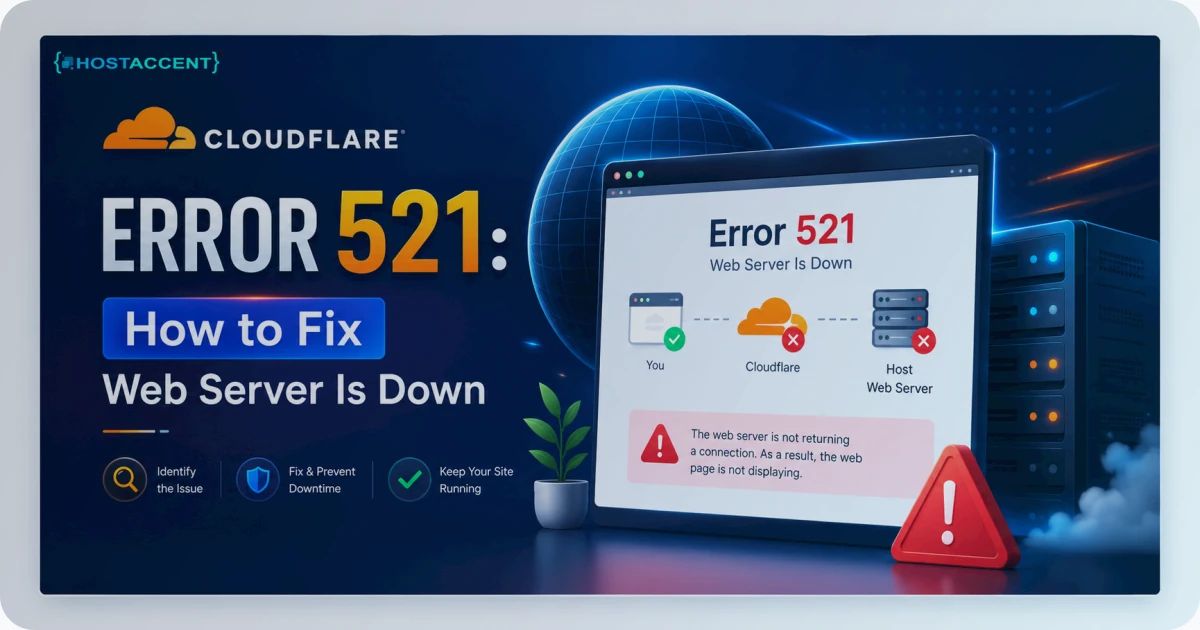
The short version, if you remember nothing else: the setup is a fifteen-minute browser job, Full (strict) is the setting that saves you from redirect loops, the free plan really does deliver a CDN and DDoS protection for nothing, renewal pricing is what you'll actually pay, and Cloudflare multiplies a good origin server without ever rescuing a bad one. If it's reporting a 521 error (Web Server Down), the issue is your origin — our Cloudflare 521 fix guide covers the most common causes.
Ready for a Host That's Already Tuned for This?
If you'd rather not fight your origin afterward, Hostaccent's cloud hosting runs the same Cloudflare to Nginx to Apache stack benchmarked above, on NVMe storage, with support on hand around the clock and a renewal price that matches the one on the label. The Economy plan at $1.90/mo covers everything in this walkthrough, custom nameservers included, with no upsells and no integration fee. Compare the hosting plans and you can have the orange cloud running before your coffee's cold.
FAQ: How to Setup Cloudflare With Hosting
Can I set up Cloudflare without any downtime?
Yes, if you do it in the right order. Add your domain and confirm the imported DNS records before you touch the nameservers. Because Cloudflare copies your existing records first, traffic keeps reaching the same server all through propagation, so visitors never hit an outage.
Do I need a VPS, or does shared hosting work?
Shared hosting is fine. The connection happens at the DNS level, so a shared plan, a VPS, and a dedicated server all behave the same way. If anything, shared users benefit most, since the CDN soaks up the spikes and bot noise a small account couldn't handle on its own.
Which SSL mode should I actually use?
Full (strict), as long as your host gives you a valid certificate, and in 2026 nearly all of them do for free. Flexible mode leaves the second leg unencrypted and is the usual culprit behind WordPress redirect loops, so treat it as a last resort rather than a default.
Will the free plan ever slow my site down?
The first request after a cache purge can be a hair slower while the edge repopulates, but median performance improves for almost everyone. Our own median TTFB fell 64% on the free plan. If yours got slower, look at a misconfigured cache or SSL setting first.
How is the process different on shared plans?
It isn't. Add the site, confirm the records, swap nameservers, set Full (strict), enable caching: identical steps, because nothing changes on the server side. The only catch is a host that blocks custom nameservers, and that's a reason to switch hosts, not a Cloudflare limitation.
Does Cloudflare replace good hosting?
No. It multiplies whatever your origin already is. Uncached and dynamic requests still hit your server, so disk speed and resources still matter; Hostaccent's Economy plan at $1.90/mo, for instance, pairs NVMe storage with this exact setup. Cloudflare buys you speed and security, but the origin still does the heavy lifting.


Discussion
Have a question or tip about this topic? Share it below — your comment will appear after review.