
Last reviewed: June 2026
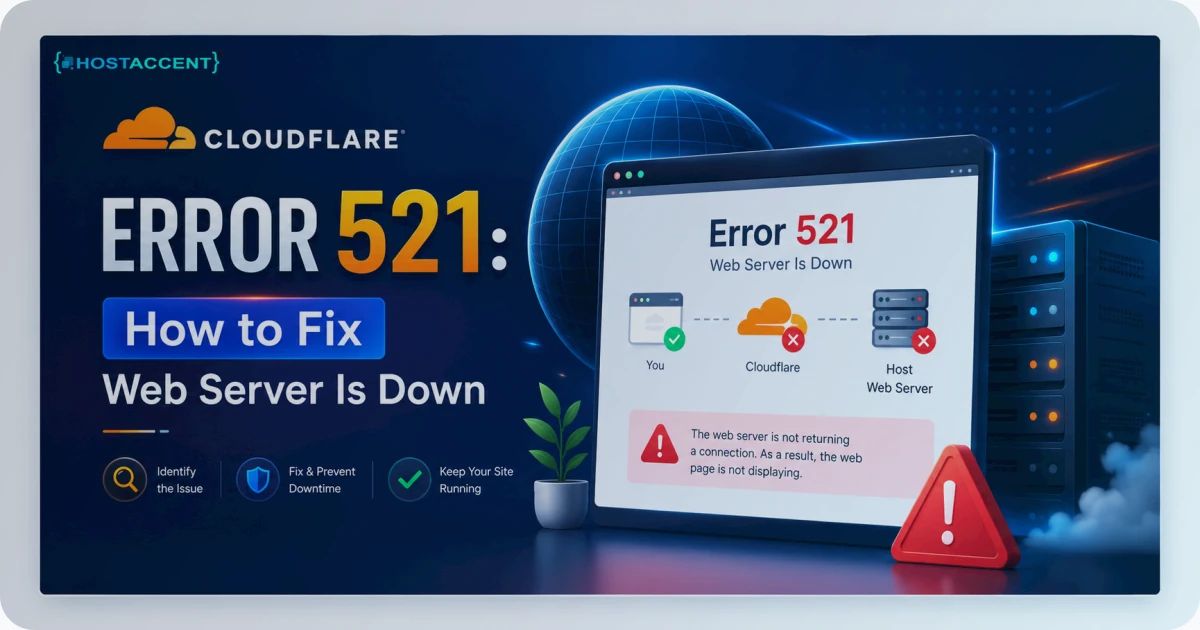
Your site loads a blank page with one cold line: error 521, web server is down. Behind Cloudflare, that message means the visitor's request reached Cloudflare just fine — but Cloudflare error 521 fires the moment your origin server refuses or drops the connection. The proxy is healthy. Your server isn't answering on the other end. The good news? This is almost always fixable in minutes, once you know which of four things broke. We'll walk the fastest checks first, because your site is down and every minute counts. In plain terms, a 521 means Cloudflare cannot reach your origin server, so the fix is always about the origin, not Cloudflare itself.
Quick Answer: Cloudflare error 521 means Cloudflare connected toward your origin server but the connection was refused or dropped. The four usual causes are an overloaded or crashed origin, a firewall blocking Cloudflare's IP ranges, a stopped web server (Nginx or Apache), or nothing listening on port 443. Restart your web server, confirm it's actually up, and allowlist Cloudflare's published IPs — that clears most cases.
What Cloudflare Error 521 Actually Means
A 521 means Cloudflare reached toward your origin and got refused — nothing more, nothing less. A managed host like Hostaccent rarely sees this error, because the origin is built to trust Cloudflare from the first day; on a self-managed server, that responsibility is yours.
Here's the mechanic. Every request behind the orange cloud takes two hops: the browser talks to Cloudflare, then Cloudflare opens a fresh TCP connection back to your origin — your real server. A Cloudflare error 521 is a failure on that second hop, and only that hop. Either your server actively refused the handshake, or nothing was alive at the IP and port Cloudflare expected.
That's different from a 522 (connection timed out) or a 523 (origin unreachable). A 521 specifically means refused or down — not slow. So the fix lives on your server, not in the Cloudflare dashboard. Cloudflare's own documentation on 5xx errors describes 521 as the edge reporting that your origin refused the connection — which is why chasing it inside your DNS settings usually wastes time you don't have.
The Four Real Causes of Error 521 (Ranked by Frequency)
In the 521 tickets our support team handles, the cause is rarely the dramatic one. Here's the honest ranking, most common first.
1. The origin is overloaded or crashed (most common on small accounts). When a server runs out of RAM or CPU, the kernel starts killing processes — and the web server is often first to go. The site was fine an hour ago; now it's down — and if the domain isn't proxied through Cloudflare, visitors just get a bare this site can't be reached page instead. This is why 521 (and its cousin 522) show up far more often on cheap, oversold shared accounts than on isolated resources. If your plan shares a CPU with hundreds of neighbours, one traffic spike next door can knock you offline. Our breakdown of shared hosting resource limits shows exactly how that throttling works.
2. A firewall is blocking Cloudflare's IP ranges. This is the silent killer. Your web server is running perfectly — but a rule in UFW, iptables, or a security layer like mod_security is dropping connections from Cloudflare's IPs before they ever reach Nginx or Apache. Nothing in your logs screams "Cloudflare"; the packets just vanish. At Hostaccent, the origin firewall ships with Cloudflare's published ranges already trusted, which is why this specific cause never reaches our customers. On a box you manage, you add them yourself — and keep them current. Cloudflare maintains the canonical list at their official IP ranges page.
Pro Tip: A firewall-blocked 521 is sneaky because it's intermittent at first. Cloudflare routes through many edge IPs — if you allowlisted some ranges months ago but Cloudflare has since added new ones, only requests from the new IPs fail. You get "random" 521s that come and go. Always allowlist the full current list, never an old snapshot.
3. The web server stopped. Nginx or Apache crashed, got killed mid-deploy, or never came back after a reboot. The box is up — you can SSH in — but nothing is listening for HTTP. A 521 here is honest and quick to fix: start the service.
4. SSL or port misconfiguration. With Cloudflare set to Full (strict), your origin must answer HTTPS on port 443 with a valid certificate. If 443 is closed, or the service only listens on port 80, Cloudflare's HTTPS connection gets refused. Less common than the first two — but it bites right after an SSL change.
How to Fix Cloudflare Error 521 Step by Step
Work these in order. The first two clear the majority of cases, so don't skip ahead.
Step 1 — Confirm your origin is actually up. SSH into the server. Can't connect at all? The box itself is down — reboot it from your provider's panel, then check resource usage once it's back. If you can get in, the hardware is fine and you're looking at a service or firewall problem.
Step 2 — Check and restart the web server. Run systemctl status nginx (or apache2 / httpd). If it isn't active (running), start it:
bashsudo nginx -t sudo systemctl restart nginx sudo systemctl status nginx
Test the config first with nginx -t — a bad config line is the usual reason a restart fails. The official Nginx documentation covers that test workflow; Apache users have the equivalent apachectl configtest.
Step 3 — Allowlist Cloudflare's IP ranges. This is the single most-missed fix. Pull the current list and allow ports 80 and 443 from those ranges in your firewall. With UFW it looks like:
bashsudo ufw allow from 173.245.48.0/20 to any port 443
…repeated for every published range (roughly 15 IPv4 blocks plus several IPv6 blocks). Better still, script it to pull Cloudflare's list automatically, so you never fall behind when a range is added.
Step 4 — Confirm port 443 is listening. Run sudo ss -tlnp | grep ':443'. Nothing returned? Your web server isn't listening on HTTPS — fix the vhost/server block to listen on 443, reload, and confirm the firewall allows 443 inbound.
Step 5 — Match your SSL mode. In Cloudflare, set SSL/TLS to Full (strict) and make sure your origin has a valid certificate. If you've just switched the proxy on, our walkthrough on setting up Cloudflare with your hosting covers the origin-side SSL handshake end to end. And if switching to Full (strict) trades the 521 for a fresh handshake failure, that's a 525 — see Cloudflare Error 525: How to Fix SSL Handshake Failed.
How to Confirm Cloudflare Error 521 Is Gone
Don't just refresh and hope. Verify properly.
Grey-cloud test. In Cloudflare DNS, temporarily switch the record from orange (proxied) to grey (DNS-only). That bypasses Cloudflare and hits your origin directly. Loads grey but 521s orange? The problem is the Cloudflare-to-origin path — almost always the firewall. Fails both ways? Your origin itself is down.
Curl the origin directly. From any machine, run curl -I https://yourdomain.com --resolve yourdomain.com:443:YOUR_ORIGIN_IP. A clean HTTP/2 200 means the origin is answering HTTPS correctly and Cloudflare should be satisfied.
Check the cf-ray header. Once the site loads, look for the cf-ray response header in your browser's network tab. Its presence confirms the request went through Cloudflare to a healthy origin and back.
How to Prevent Cloudflare Error 521 From Returning
Fixing 521 once is easy. Stopping it from recurring comes down to three things.
Give the origin real headroom. Most repeat-521s on small sites are resource starvation, not exotic config bugs. If traffic is growing, isolated CPU and RAM — a VPS or cloud plan — ends the noisy-neighbour problem that overloads shared boxes. A crawling origin is also a 521 risk under load, so if your server already feels slow, our guides on fixing high TTFB in WordPress and diagnosing a slow WordPress site will tell you how close to the edge you're running.
Run a Cloudflare-aware origin. The firewall-drop cause disappears entirely when the proxy IPs are trusted by default. Hostaccent's VPS stack — Cloudflare in front, Nginx → Apache behind, on NVMe SSD storage — is wired that way out of the box, so the most common silent 521 simply can't occur. If you self-manage, automate the IP allowlist so it stays current, and tune your worker limits — the Apache HTTP Server docs cover the MPM settings that stop a busy site from exhausting itself.
Monitor the origin, not just the front door. Uptime tools that only check your public URL can see Cloudflare's cached page and miss an origin that's quietly failing underneath. Monitor the origin IP directly. For spike-prone sites, our notes on hosting for high-traffic WordPress cover sizing for the bursts that trigger overload.
Insider Insight: One honest limit — allowlisting won't save a server that's genuinely out of memory. No firewall rule revives an OOM-killed process. If you keep hitting 521 and 522 together under traffic, that isn't a firewall issue; it's a capacity issue, and the answer is more resources, not more rules.
Keep Your Origin Online Behind Cloudflare
Cloudflare error 521 is almost always a server-side problem — an overloaded origin or a firewall that doesn't trust the proxy. Fix those two and you've handled most cases for good. If you'd rather not babysit IP allowlists and resource limits, that's the gap a Cloudflare-ready origin closes. Hostaccent Limited — UK-registered with a Bangladesh branch — runs Cloudflare-aware Linux VPS plans from $22.00/mo, with NVMe storage, isolated resources, and a firewall that already trusts Cloudflare's ranges, so 521 stays rare. UK-based support handles the setup if you're migrating an origin that's been throwing errors.
Frequently Asked Questions
What does "error 521 web server is down" actually mean?
It means Cloudflare connected toward your origin server but the connection was refused or dropped. Cloudflare is working fine; your server isn't answering on its end. The cause is usually an overloaded origin, a stopped web server, or a firewall blocking Cloudflare's IP ranges — not a fault with Cloudflare itself.
How do I fix Cloudflare error 521 on WordPress?
The fix is server-side, not inside WordPress. SSH into your origin, confirm Nginx or Apache is running, restart it if not, and allowlist Cloudflare's published IP ranges in your firewall. Then set SSL to Full (strict) and confirm port 443 is listening. WordPress itself almost never causes a 521.
Is error 521 caused by Cloudflare or my server?
Almost always your server. A 521 is raised when Cloudflare reaches your origin and the connection is refused or the server is down — Cloudflare's edge is reporting the failure, not causing it. Check your origin's web server and firewall first, because that's where the fix actually lives.
How do I allowlist Cloudflare's IP ranges?
Pull the current list from Cloudflare's official IPs page, then allow ports 80 and 443 from each range in your firewall (UFW or iptables). Allowlist the full, current list — not an old snapshot — because Cloudflare adds ranges over time, and a missing one causes intermittent 521s.
Can a slow or overloaded server cause a 521?
Yes — and it's the most common cause on small accounts. When an origin runs out of RAM or CPU, the kernel kills the web server and Cloudflare gets a refused connection. On isolated resources like a Hostaccent VPS, that starvation doesn't happen, so overload-driven 521s are rare.
How long does error 521 take to clear after I fix it?
Usually seconds. Once your origin accepts connections again, Cloudflare retries on the next request and the site returns immediately — there's no long cache to wait out. If it lingers, run a grey-cloud test to confirm the origin is truly answering on port 443.







Discussion
Have a question or tip about this topic? Share it below — your comment will appear after review.