
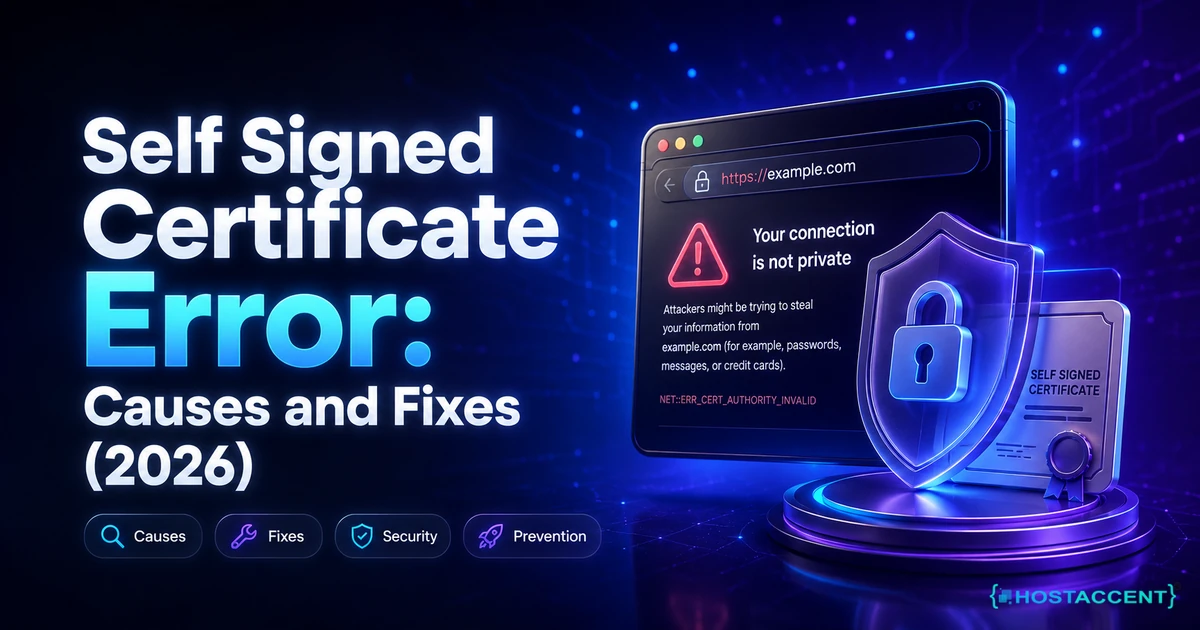
Your browser just threw up a full-page warning, and behind it sits a self signed certificate error. The padlock is gone, visitors are bouncing, and nothing about the page looks safe. Nothing is technically broken. The traffic is still encrypted. What's missing is the part browsers care about most: proof that somebody independent vouched for the certificate.
Quick answer: A self-signed certificate is one the server signed for itself, so no trusted certificate authority stands behind it. Browsers and tools like curl reject it because the chain never reaches a root CA in their trust store. The fix is to install a CA-issued certificate, usually a free Let's Encrypt one, and reload the web server. As of August 2026, that takes about five minutes on a cPanel server.
We resolve 20 to 30 client issues a day, and certificate trust problems are a steady share of them. This guide is the same sequence our engineers work through, written so you can run it yourself. Hostaccent, for one, sees the same handful of causes over and over, and four of them are fixable in under ten minutes.
One thing to settle before you start: this is not a hack, and your visitors' data was never sent in the clear. Encryption and identity are two separate jobs, and only the second one failed.
What a Self Signed Certificate Error Actually Means
Every HTTPS certificate makes two claims: this connection is encrypted, and this server is who it says it is. A self signed certificate error means the second claim failed. The certificate's issuer and its subject are the same entity, so there is no third party standing behind it. Encryption still works. Identity verification does not, and browsers treat unverified identity as a red flag.
Browsers ship with a built-in list of roughly 150 root certificate authorities. When a site presents its certificate, the client walks the signature chain upward: leaf certificate, then intermediate CA, then root. If that walk ends at a root in the local trust store, the padlock appears. If it ends anywhere else, you get a warning. That's the whole model, and MDN's web security documentation covers the underlying mechanics well.
The confusing part is that every tool words the same failure differently.
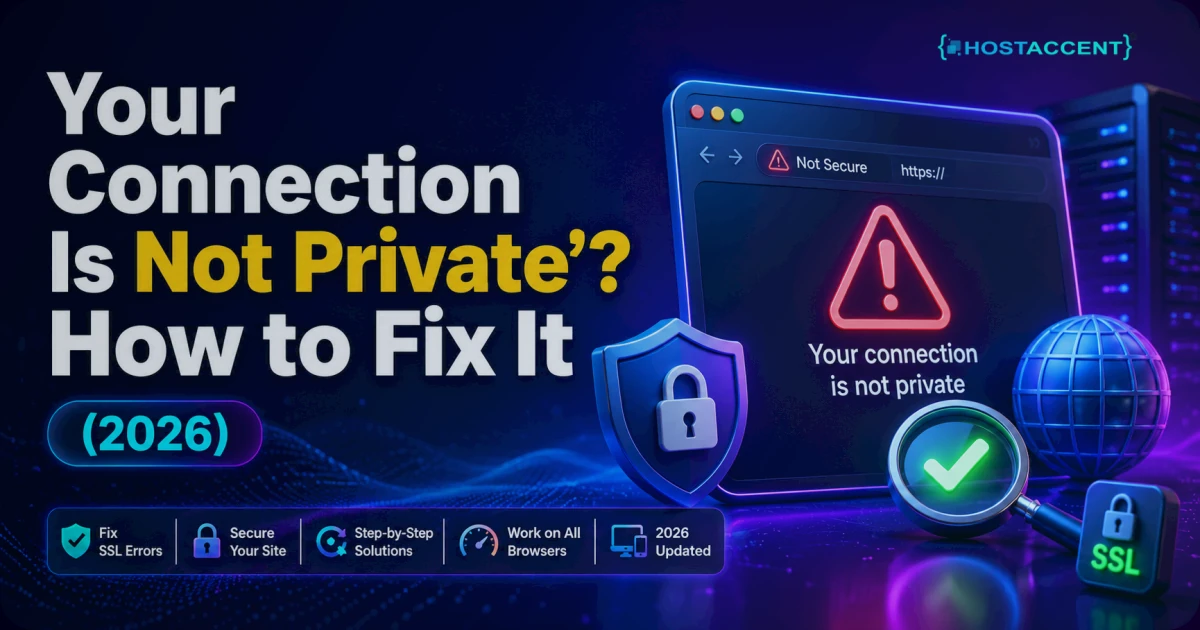
| What you see | Where it appears | What it actually means | |---|---|---| | NET::ERR_CERT_AUTHORITY_INVALID | Chrome, Edge, Brave | The issuing CA is not in this device's trust store | | SEC_ERROR_UNKNOWN_ISSUER | Firefox | Identical cause, different wording | | curl: (60) SSL certificate problem: self signed certificate | curl, PHP, WordPress | OpenSSL verify error 18: the site's own certificate signed itself | | self signed certificate in certificate chain | Node.js, npm, Git | OpenSSL verify error 19: a CA higher up the chain is not trusted locally | | ERR_TLS_CERT_ALTNAME_INVALID | Node.js | A different problem entirely: hostname mismatch, not trust |
Node, npm and Git usually report an SSL self signed certificate in chain failure rather than the plain version, and that distinction matters more than most guides admit. Error 18 means the server itself is serving an untrusted certificate, so the fix belongs on the server. Error 19 usually means the server is fine but the client is missing a root, which points at a corporate proxy or an internal CA. Fixing the wrong end wastes an afternoon.
Is my site actually unsafe right now?
Your traffic is encrypted with the same ciphers a paid certificate would use. What you lose is authentication, which means nobody can prove the server answering is yours rather than an interceptor's. On a private VPS you're logging into yourself, that risk is small. On a public site taking logins, card details or contact forms, it is not acceptable, because the warning trains visitors to click through security prompts and roughly nine in ten simply leave instead.
The Causes We See Most, Ranked by How Often They Happen
In the tickets that reach us, five causes cover almost everything. They are listed here in the order worth checking, most likely first.
1. The server is still serving its default certificate. Fresh VPS builds, new cPanel accounts and freshly added vhosts all ship with a placeholder certificate generated at install time. Nothing has failed. Nothing was ever configured. This is by far the most common cause on servers less than a week old, and on WHM the symptom usually shows up first on port 2087 rather than the public site.
2. A valid certificate exists, but the site isn't using it. The certificate was issued for example.com, and you're reaching the server by IP address, by a subdomain that isn't on the SAN list, or through an Nginx default_server block that answers before the correct vhost does. If your browser says self signed certificate and nothing else changed recently, check which vhost is actually answering before touching any certificate files.
3. Automatic renewal silently stopped. Let's Encrypt certificates last 90 days, and validation needs /.well-known/acme-challenge/ to be publicly reachable over plain HTTP. A redirect rule, a firewall change or a security plugin returning 403 Forbidden or 404 Not Found on that path will break renewal quietly. The site keeps working for weeks, then falls back to the default certificate the day the old one expires.
4. The intermediate certificate is missing. The leaf is genuinely trusted, but the server sends it alone. Chrome often papers over this by caching intermediates from earlier visits, while curl, Node and Git refuse. That's the classic "works in my browser, breaks in CI" case.
5. The certificate is fine and the client is the problem. Corporate proxies, some antivirus suites and Docker images with a stale ca-certificates package all substitute their own root. Only affected machines see the error.
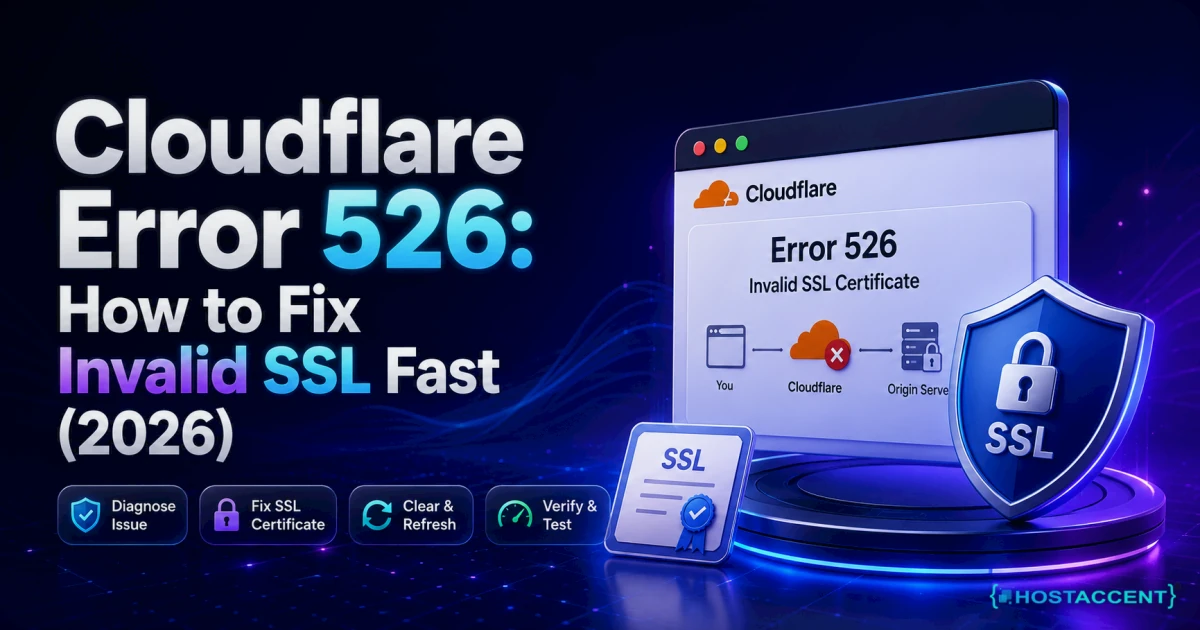
One case sits slightly apart: if you use Cloudflare with Full (strict) enabled and an untrusted certificate on the origin, the visitor gets a Cloudflare error page rather than a browser trust warning. That path is covered in our guide to Cloudflare Error 526.
Insider Insight: According to Hostaccent's support-queue data (as of August 2026), SSL problems account for roughly 20% of the tickets we handle each month, with Linux server issues another 25%. Across the 4,000+ site migrations our engineers have completed since 2012, the post-move pattern is almost always the same: DNS is repointed to the new server before a certificate has been issued there, so the new box answers with its build-time default for a few hours. Issue the certificate first, then move DNS.
Fix It on the Server: Install a Certificate Browsers Trust
If you own the server, stop reading client-side workarounds. Installing a real certificate takes minutes and fixes the problem for everyone at once, rather than one machine at a time.
The 60-Second Trust Check
Before changing anything, find out what the server is actually serving. Run this from any machine with OpenSSL:
bashopenssl s_client -connect example.com:443 -servername example.com -showcerts < /dev/null
Read three things in the output. The Verify return code line tells you which failure you have: 18 means the leaf signed itself, 19 means an untrusted CA sits in the chain, 0 means everything is trusted. The s: and i: lines show subject and issuer; when they're identical on the first certificate, it's self-signed. The -servername flag matters, because without it you'll test the default vhost instead of yours. That's the whole check, and it takes under a minute.
Replace Self Signed Certificate Files With a Trusted Pair
On cPanel accounts: open cPanel, go to Security, then SSL/TLS Status. Tick the affected domains and press Run AutoSSL. Issuance normally completes in a few minutes on a domain whose DNS already points at the server.
On WHM servers, including the hostname certificate: switch the AutoSSL provider to Let's Encrypt first, since the built-in cPanel provider won't cover the hostname on every configuration.
bash/usr/local/cpanel/scripts/install_lets_encrypt_autossl_provider
Then go to WHM, SSL/TLS, Manage AutoSSL, select Let's Encrypt, accept the terms, and run it for all users. For the WHM interface itself, use Manage Service SSL Certificates. The exact menu paths are documented in the cPanel and WHM documentation.
On plain Nginx or Apache: certbot handles both the certificate and the config edit.
bashsudo certbot --nginx -d example.com -d www.example.com sudo nginx -t && sudo systemctl reload nginx
Always test the config before reloading. nginx -t catches a broken path before it takes the site down, which is the difference between a five-minute fix and an outage.
Pro Tip: point
ssl_certificateatfullchain.pem, nevercert.pem. That one-line mistake is the single most common reason a genuinely trusted certificate still throws a chain error in Node, Git and curl while Chrome looks perfectly happy. Chrome caches intermediates from other sites it has visited; command-line tools do not.
Live site and no time to experiment? Our engineers replace the certificate and repair the chain for you for a small one-time fee, and you see the exact quote before anyone logs in. Already hosted with Hostaccent? Then a broken certificate is simply covered by support, at no extra charge. Have an engineer fix it
If validation fails rather than the install, the cause is nearly always reachability. The ACME challenge file must be served over plain HTTP with no redirect, no authentication and no bot rule in front of it. The Let's Encrypt documentation lists the exact requirements for each challenge type.
Fix It on the Client: curl, Node.js, Git and npm
Sometimes the server genuinely is fine and only your machine complains. That happens behind corporate proxies, on VPNs that inspect TLS, and inside container images shipping an outdated ca-certificates bundle. The fix is to teach the client to trust the CA, not to switch verification off.
The curl self signed certificate error arrives as exit code 60. Confirm the CA, export its root, then trust it properly:
bash# Debian/Ubuntu sudo cp internal-ca.crt /usr/local/share/ca-certificates/internal-ca.crt sudo update-ca-certificates # RHEL/AlmaLinux sudo cp internal-ca.crt /etc/pki/ca-trust/source/anchors/ sudo update-ca-trust
For a single command, curl --cacert /path/to/ca.pem https://example.com works without touching the system store. curl's own SSL certificate documentation explains the precedence rules.
For Node.js, set the CA rather than disabling checks:
bashexport NODE_EXTRA_CA_CERTS=/path/to/internal-ca.pem npm config set cafile /path/to/internal-ca.pem git config --global http.sslCAInfo /path/to/internal-ca.pem
PHP applications need curl.cainfo and openssl.cafile in php.ini pointing at a current CA bundle. A stale bundle inside an old Docker base image causes this constantly, and it looks like a server fault until you test from outside the container.
Now the part most pages get wrong. curl -k, NODE_TLS_REJECT_UNAUTHORIZED=0 and npm config set strict-ssl false all appear in the top search results for this error, and all three switch off the exact protection you're trying to restore. They're fine for ten seconds of local debugging. They are not fine in a Dockerfile, a CI pipeline or a production .npmrc, because the flag outlives the incident and nobody remembers it's there. If a request must ignore certificate validation, scope it to that one request and add a comment explaining why.
One more client-side trap worth naming: mail clients and FTP clients read the server's hostname certificate, not the website's. Replacing the certificate on example.com while leaving the hostname certificate self-signed produces trust prompts in Outlook and FileZilla long after the website looks clean. If you're chasing errors on those services too, our guides to 554 message rejected and FTP 530 login failures cover the causes that aren't certificate-related.
Confirm the Fix, Then Stop It Coming Back
Verify from outside the server, not from the browser tab that has been showing the error for an hour. Cached certificates and cached error pages both lie.
Run the same OpenSSL command from the trust check. Verify return code: 0 (ok) is the confirmation you want, and the i: line on the leaf certificate should now name a public CA rather than your own hostname. Then load the site in a private window on mobile data, on a device that has never visited it. If the padlock appears there, the fix is live for real visitors. Do not clear your local trust store to test, because you'll only prove something about your laptop.
Check the expiry date while you're there. A certificate issued today and expiring in 90 days is normal for an ACME-issued one; anything expiring in ten years is still the self-signed placeholder, and the reload didn't take.
Prevention comes down to four habits:
- Make renewal automatic and verify it runs.
systemctl list-timers | grep certboton a certbot host, or the AutoSSL log in WHM. An enabled timer that has never fired is not automation. - Keep the ACME challenge path open. Exclude
/.well-known/from every redirect rule, firewall rule and security plugin you add later. This is what breaks renewal months after setup. - Watch expiry, not uptime. A stalled renewal costs nothing in performance, so nothing in your monitoring goes red until the day it fails. Uptime dashboards, NVMe SSD speed and cache hit rates all look perfect right up to expiry.
- Take a backup before certificate surgery. Copying the wrong file into a vhost is easy to undo from backups and painful to undo from memory.
Three things are worth carrying away from all of this. The error is about identity, never encryption, so nothing leaked. The fix belongs on the server whenever you control the server, and only on the client when a proxy or internal CA is genuinely involved. And every workaround that disables verification is a decision to be undone later, usually by somebody who doesn't know it exists.
Your Next Step: A Site That Loads Without a Warning
You fixed it. Keep it fixed by making renewal automatic and checking the expiry date once a month, because a certificate that lapses at 3am looks exactly like the one you just replaced. On a properly managed host, a self signed certificate error is support's problem, not yours: certificates get issued, renewed and repaired for you. That's what you're buying with Economy — $1.99/mo on Hostaccent shared hosting, which runs on NVMe SSD storage with a 99.9% uptime guarantee and 30 days to change your mind. Skip it if you need root access for custom TLS work, because a VPS suits that better. Still stuck? Open a ticket and you'll see the exact quote before anyone touches your server.
Frequently Asked Questions About the Self Signed Certificate Error
What causes a self signed certificate error on a brand new server?
Almost always the build-time default certificate. Fresh VPS images, new control panel installs and newly added vhosts generate a placeholder certificate so HTTPS answers on port 443 immediately. Nothing failed; nothing was configured. Run AutoSSL on cPanel or certbot --nginx on a plain stack, and the placeholder gets replaced with a domain-validated certificate in a few minutes, provided DNS already points at that server.
Is my data still encrypted with a self-signed certificate?
Yes. Self-signed certificates use the same TLS ciphers and key sizes as paid ones, so traffic between browser and server is encrypted either way. What's missing is authentication: nobody independent has confirmed the server is yours. That matters because an interceptor could present their own self-signed certificate and look identical. For an internal admin panel the risk is low; for a public site taking payments or logins, it isn't acceptable.
Can I just click through the browser warning instead?
For your own server's control panel, yes, and it's a reasonable choice on a machine you administer. For a public website, no. Every visitor sees the same full-page warning, most leave immediately, and search engines treat a broken HTTPS configuration as a quality problem. Training visitors to click past security prompts is also a habit you don't want to encourage, since the same click bypasses genuine interception warnings elsewhere.
Why does curl fail when my browser works fine?
Chrome and Firefox cache intermediate certificates from other sites they've visited, so they can often rebuild a broken chain on their own. curl, Node.js and Git cannot: they validate only what the server actually sends. When the browser shows a padlock but curl returns exit code 60, the server is almost certainly missing its intermediate certificate. Point ssl_certificate at fullchain.pem rather than cert.pem and reload.
How long does a free Let's Encrypt certificate last?
Ninety days. That short lifetime is deliberate, since it forces automation and limits the damage from a stolen key. Renewal is attempted automatically around day 60 by certbot's timer or by AutoSSL's scheduled run, so in practice you never touch it. Problems appear only when the ACME challenge path stops being reachable, which is why a redirect rule added months later can break renewal silently.
Do I need to buy an SSL certificate to fix this?
No. Domain-validated certificates from Let's Encrypt are free, auto-renewing, and produce exactly the same padlock as a paid one. Hostaccent's shared plans issue and renew them automatically, so this class of error usually never reaches the customer. Paid certificates are worth considering only for organisation or extended validation, where the CA verifies your legal entity rather than just domain control, or when you need a warranty for compliance reasons.


Discussion
Have a question or tip about this topic? Share it below — your comment will appear after review.